
Blog
NCSIMUL 2026.2: Faster CNC Simulation & Improved Verification
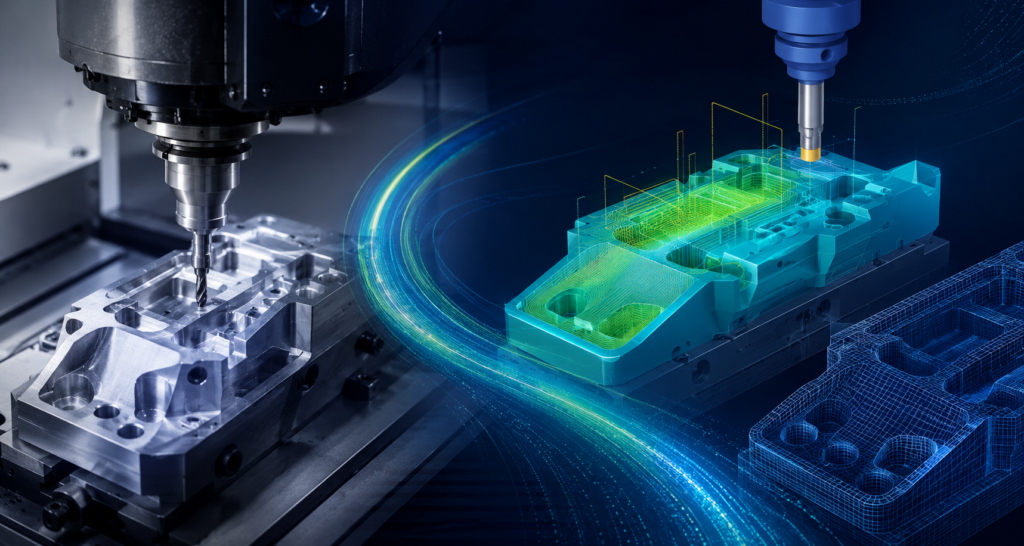
Manufacturing teams rely on accurate simulation to reduce errors, optimize machining processes, and improve productivity. With NCSIMUL 2026.2, users gain new tools designed to make verification workflows faster, easier, and more efficient. This latest release introduces improvements across simulation, user experience, and CAM integration to help programmers spend less time navigating software and more time…
Read MoreESPRITWeb to Hexagon Customer Portal (HCP) Transition Guide

ESPRIT support and license management have officially transitioned from ESPRITWeb to the Hexagon Customer Portal (HCP). The Hexagon Customer Portal provides a single location to manage your Hexagon Production Software resources, including: Technical support requests License management Software resources Machine Digital Twin Center content will continue to be available through the Machine Digital Twin Center…
Read MoreDESIGNER 2026.2: Smarter Design Tools for a More Efficient Manufacturing Workflow
Modern manufacturing requires more than creating accurate geometry. Teams need tools that improve communication, reduce manual steps, and create a smoother connection between design and production. The latest release of DESIGNER 2026.2 introduces enhancements focused on simplifying workflows, improving manufacturing documentation, and helping users work faster with a more modern CAD environment. Smarter Manufacturing…
Read MoreAnalysis – Altitude & Borders
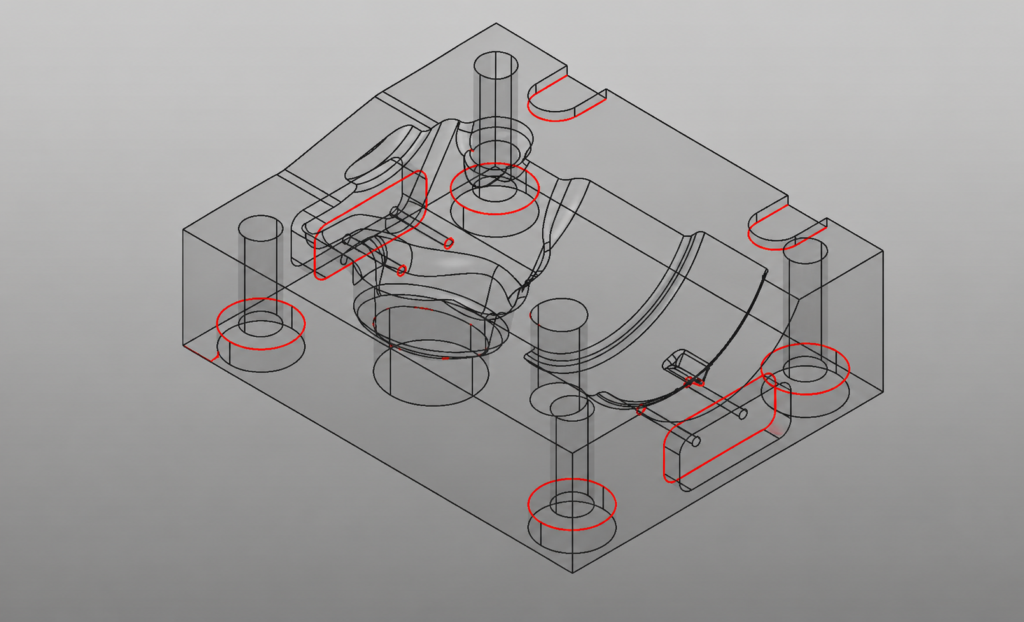
Using Altitude and Border Analysis in WorkNC to Improve Machining Strategy When programming complex parts in a CAM environment, understanding geometry quickly and accurately is essential. WorkNC provides several highly effective visualization tools within the Analysis module that help programmers evaluate geometry before toolpaths are created. In this article, we’ll focus on two especially useful…
Read MoreCreate a Custom Mill from a 3D CAD Model
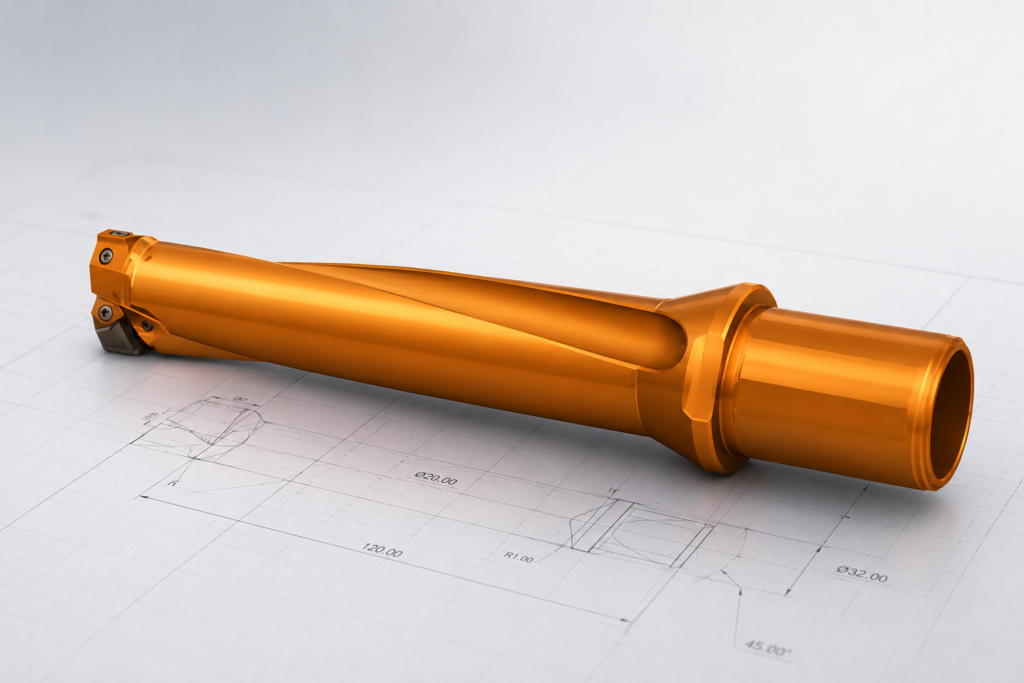
Creating a custom tool in ESPRIT EDGE allows you to accurately simulate specific tool geometries, such as an insert drill, by using a 3D CAD model provided by a manufacturer. Follow these steps to translate a solid model into a functional custom tool. Import Your Geometry The first step is to bring your tool geometry…
Read MoreWhat’s New in DESIGNER 2026.1 and Where It Saves You Time
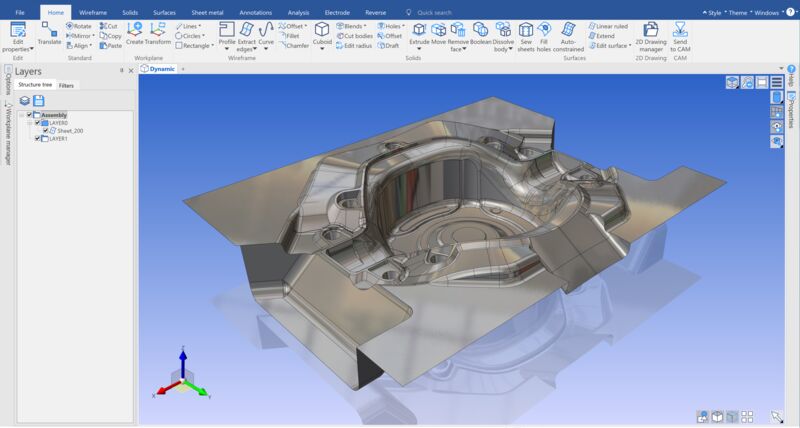
If you’re using DESIGNER as part of your workflow, you already know the small things add up. Searching for commands, fixing hole features, cleaning up models before machining… none of it is hard, but it all takes time. DESIGNER 2026.1 focuses on improving those everyday tasks so you can move faster from design to production.…
Read MoreOut of the Office, Into Perspective: What Our Clients Taught Us in Oregon

Most of my days are spent behind a screen. Emails. Support tickets. Zoom calls. Conversations without handshakes. Names without faces. It works, but it’s distant. Last month was different. I had the opportunity to travel from Pittsburgh, where I live, to Portland with one of our sales reps, Dave Bluhm, and spend time visiting clients…
Read MoreSURFCAM 2025.1 – Improved Control, Faster Toolpaths, and Better Workflow Management
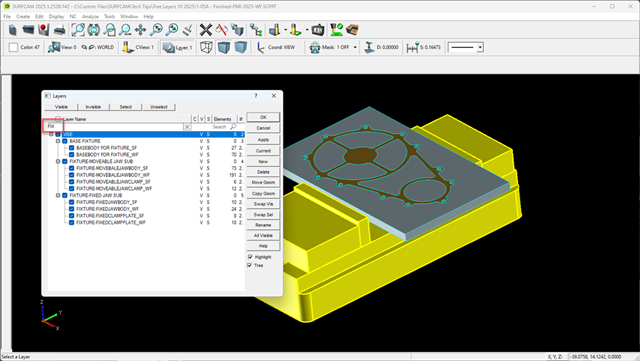
SURFCAM 2025.1 B142 is now available and brings a series of practical updates focused on improving usability, toolpath performance, and day-to-day workflow. This release builds on recent updates and continues refining how users interact with layers, toolpaths, and operations. Here’s what stands out. Expanded Tree View Layer Interface The updated Layer interface builds on the…
Read MoreWORKNC 2026.1 – Smarter, Safer, and More Efficient Machining
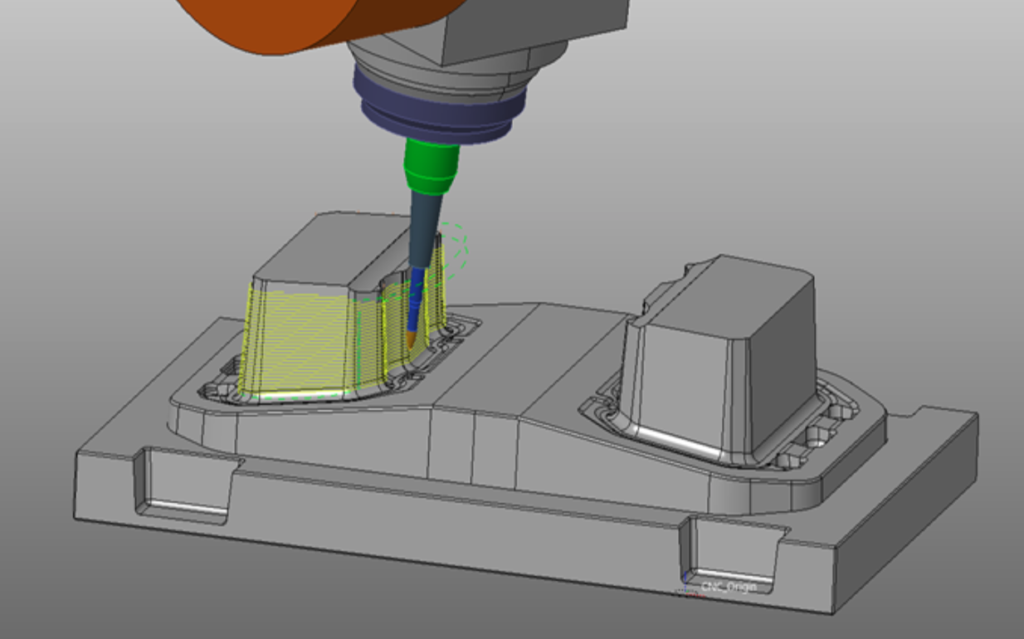
WORKNC 2026.1 introduces a set of focused improvements designed to make CAM programming more efficient and reliable. This release puts a strong emphasis on automation, machine awareness, and simplifying complex workflows. Here’s what stands out. Multi-Directional Rest Roughing (Machine-Aware Automation) WORKNC takes rest roughing to the next level by integrating full machine awareness directly into…
Read MoreVISI 2025.4 – General Improvements That Streamline Daily Work
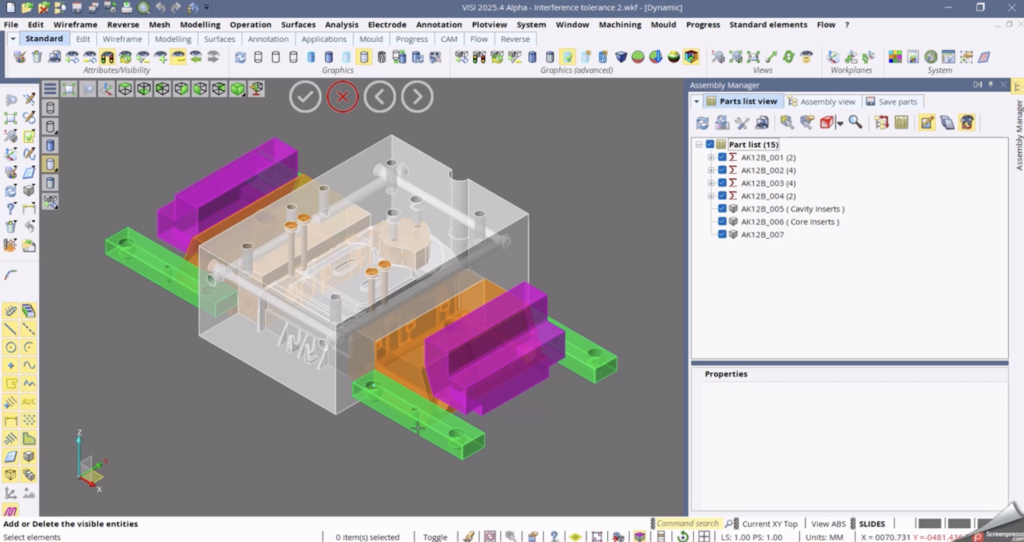
VISI 2025.4 introduces a set of practical updates focused on usability and consistency. These changes are designed to improve how you interact with the software day to day without changing your workflow. Here’s what’s new in the General updates. Maintain Your View While Working VISI now maintains the current application view when launching a modelling…
Read More