
Blog
ESPRIT EDGE 2026.1 is Here: What You Need to Know
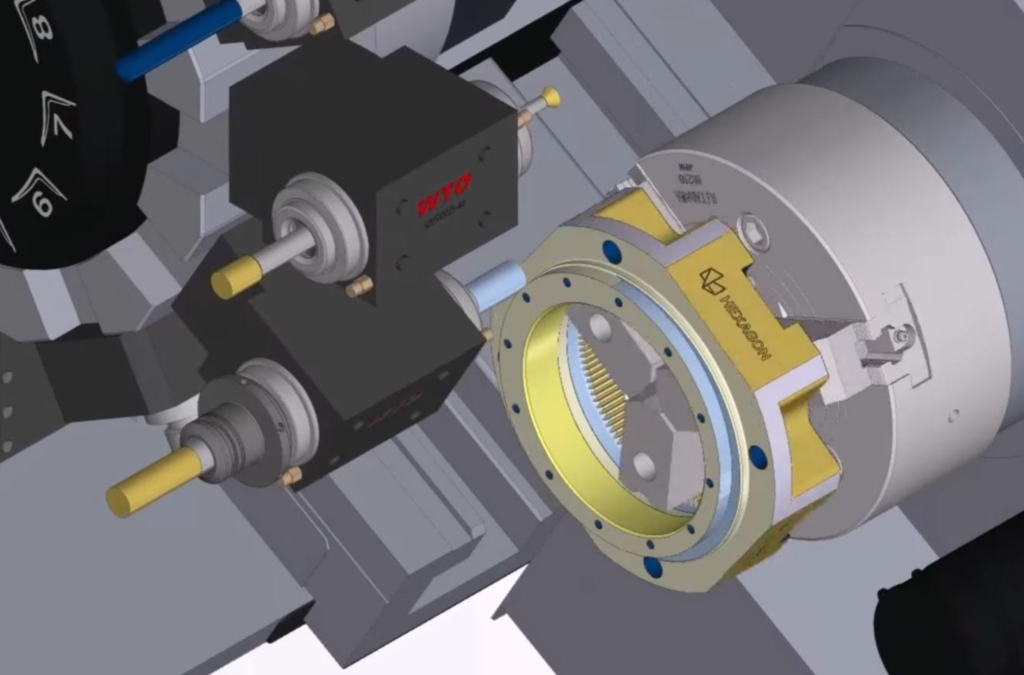
ESPRIT EDGE 2026.1 has officially been released, marking the first major update of the year and setting the foundation for what’s coming next. This release focuses on practical improvements, better automation, and stronger performance for more complex machining workflows. Here’s a breakdown of what stands out and where it can make a difference. Compatibility Updates…
Read MoreMastering the Flip: Automatic Stock Transfer in ESPRIT EDGE
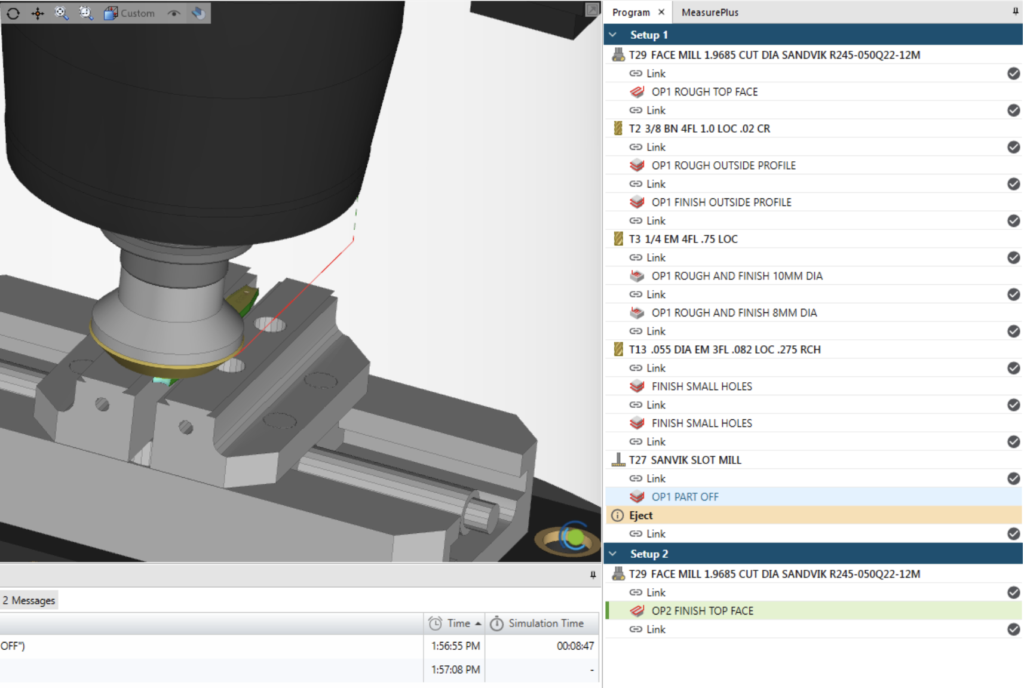
In this guide, we will walk through the Copy Previous Setup workflow in Esprit Edge. This method allows the system to automatically transfer the remaining stock from one setup to the next, keeping the simulation up to date and eliminating the need for manual stock exports. The result is a cleaner workflow, fewer files to…
Read MoreHow to Measure Stock vs Part in NCSIMUL | CNC Simulation Tip
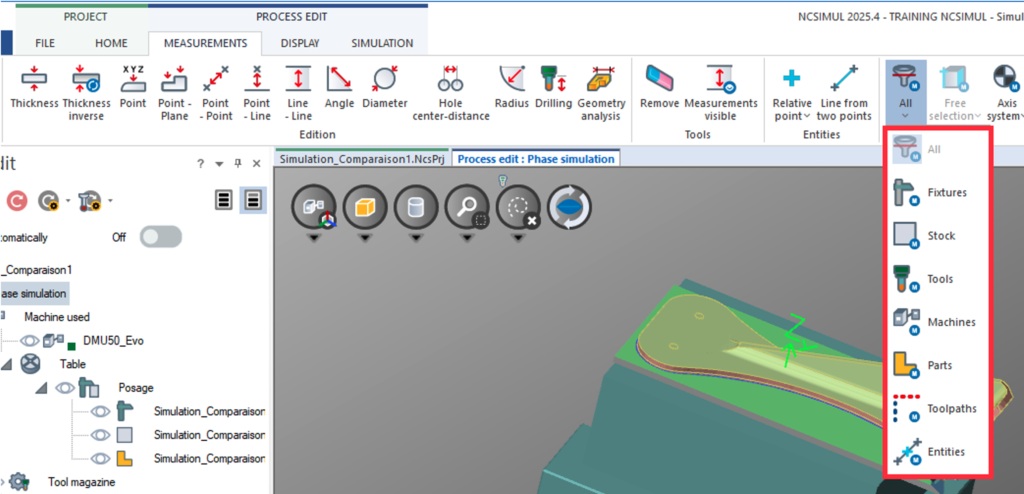
Measurement tools in NCSIMUL help users verify dimensions, distances, and geometry directly on the stock model and the part model allowing quick validation without going back to the CAD/CAM system. This helps detect errors early, confirm machining accuracy, and ensure the final part matches the design. Pre-defined measurement tools available in NCSIMUL include: Distance –…
Read MoreEstablishing a Speeds and Feeds Database
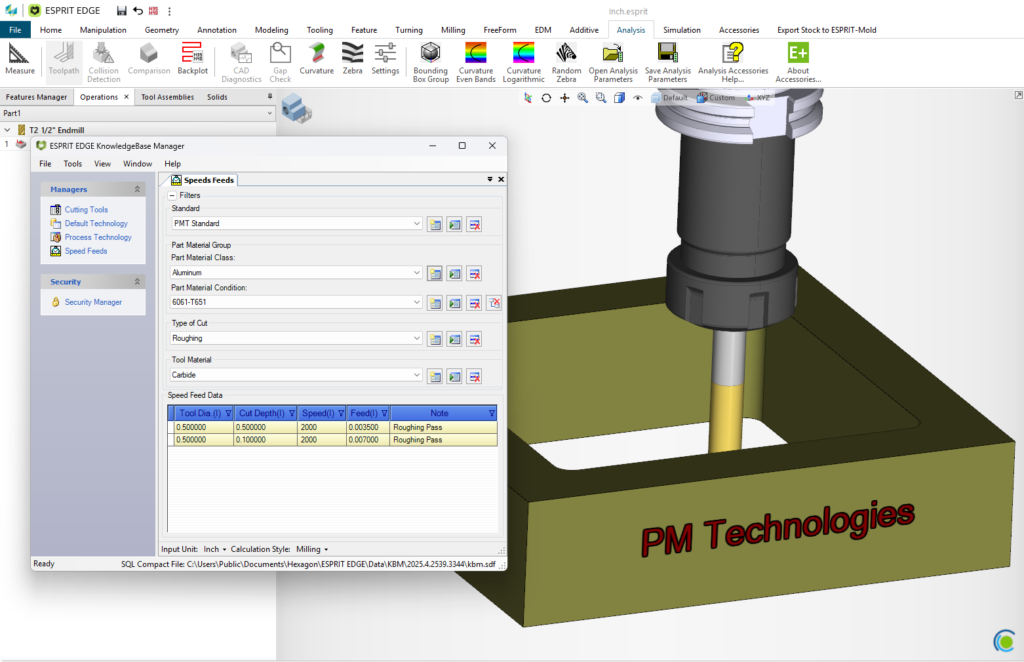
There are many reasons to establish a Speeds-and-Feeds database within ESPRIT EDGE, the most prominent being to shorten the amount of time it takes to fully program a part. Creating this database is easier than you think, and we’ll show you how. First, you will need to create a new standard within the Knowledgebase and…
Read MoreSetup Changes Made Easy
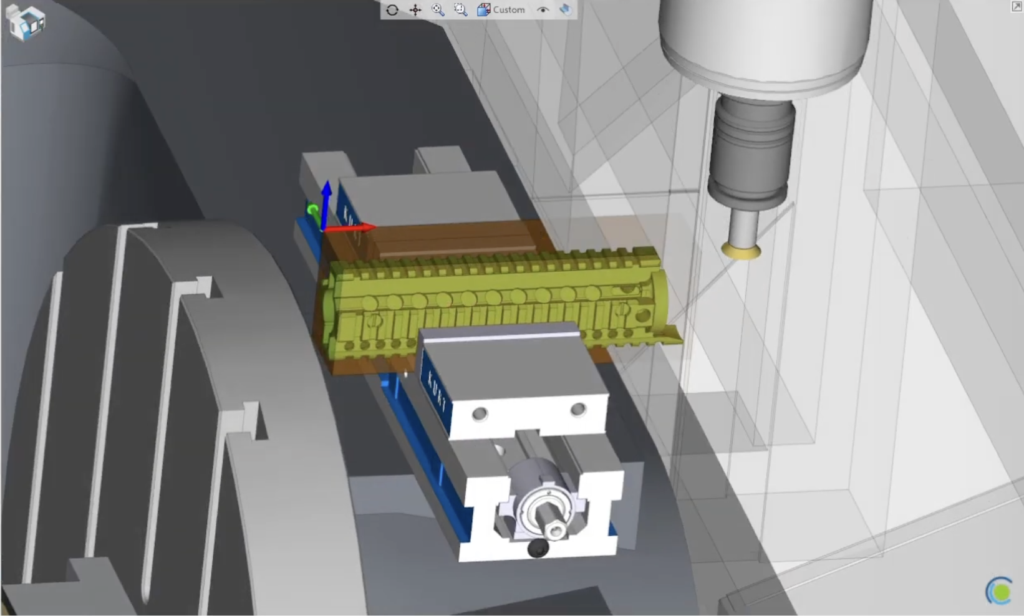
Transitioning between workholding setups within the same EDGE file. Traditionally, when setting up a new job that will run on a single machine, but with multiple fixtures, it would be a daunting task to navigate the work holding and stock transition from setup to setup. ESPRIT EDGE not only has the ability to transition a…
Read MoreWORKNC – Analysis – Draft Angle
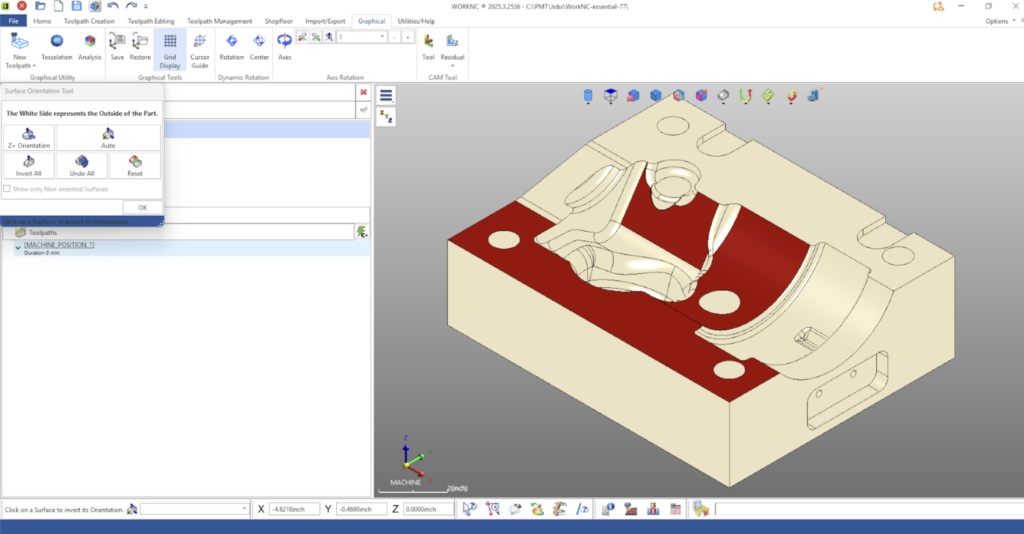
Using Draft Analysis in WORKNC for Smarter Toolpath Planning Understanding surface draft is a critical step in evaluating part manufacturability and selecting the correct machining strategy. WorkNC’s Draft Analysis tool provides a powerful and visual way to analyze surface angles, identify undercuts, and validate machining accessibility before toolpaths are created. In this article, we’ll walk…
Read MoreESPRIT EDGE 2025.4 — Practical Improvements You’ll Notice Right Away
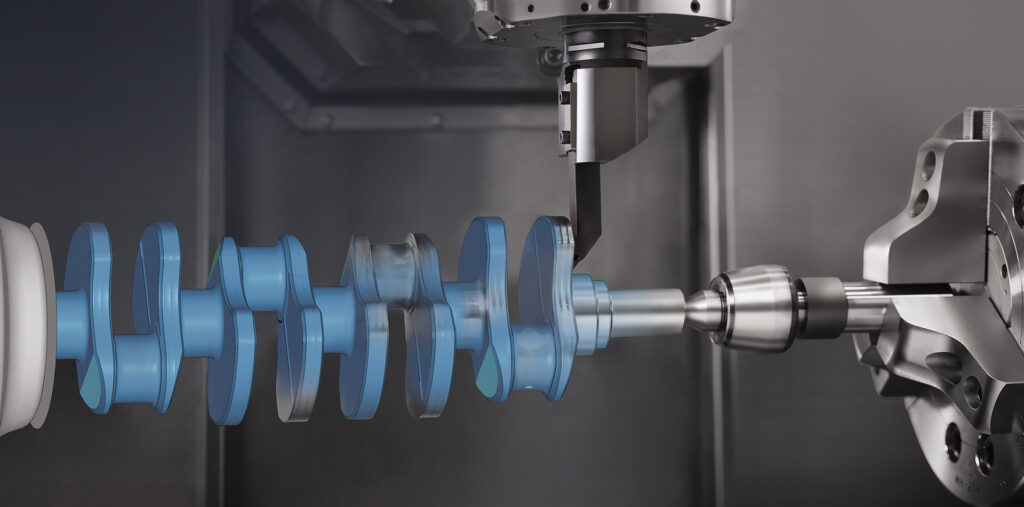
ESPRIT EDGE 2025.4 is here, and this update is all about improving accuracy, toolpath quality, and day-to-day reliability. Instead of introducing big new features, this release strengthens the areas machinists use the most. Below is a quick look at the improvements that matter on the shop floor. More Reliable Canned Cycles for Turning Canned cycles…
Read MoreNCSIMUL 2025.4 – What’s New
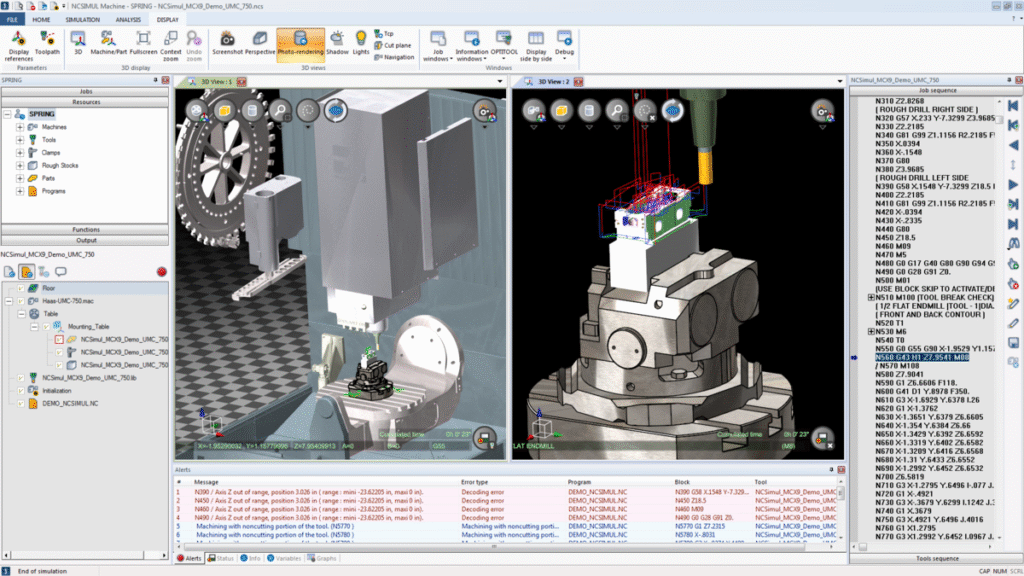
We’re excited to share the latest updates in NCSIMUL 2025.4, bringing improved simulation performance, new productivity tools, and enhanced connectivity with ESPRIT EDGE.Here’s a quick look at what’s new in this release and how it can improve your workflow. Simulation Enhancements 1. Automatic Graphics Card Detection NCSIMUL now detects when it’s not using your dedicated…
Read MoreThe State of U.S. Manufacturing in 2025

The U.S. manufacturing industry continues to evolve — adapting to workforce shifts, automation, and new technologies faster than ever. Hexagon’s 2025 America’s State of Manufacturing Report surveyed 500 manufacturers across the country to understand how shops are tackling these challenges and where confidence is growing. Here are three key takeaways that stand out for PMT…
Read MoreComposite – Blending In
An Intro to 5-axis Composite Cycles. Blending Fillet with the 5th axis 1. Set your Workplane This time, we want our W- Vector point towards the direction that we want our tool to approach from. 2. Build your Freeform Feature We want to select our drive surface (Part) along with designating the surface we do…
Read More