
Blog
How to Use Insert Location in ESPRIT EDGE | Step-by-Step Guide
When programming machining sequences in ESPRIT EDGE, adding a new operation traditionally places it at the very end of your operations list. You then have to manually drag and rearrange it into its proper sequence, which can trigger unnecessary recalculations. Using the Insert Location feature allows you to specify exactly where you want a new…
Read MoreESPRIT EDGE Contouring: An Alternate Turning Method
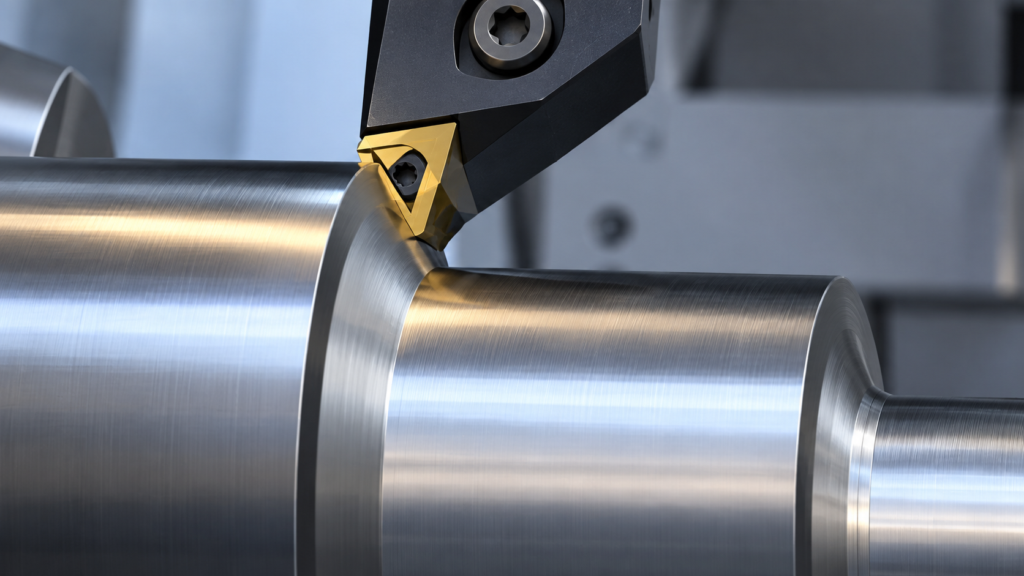
Why splitting shank and face cutting into controlled segments can improve stability, tool life, and surface finish In turning, a contour can look like one continuous path on the screen. At the machine, however, that path may combine very different cutting conditions. A tool traveling along a shank is primarily cutting in the axial direction.…
Read MoreHow to Add Gang Tool Stations in ESPRIT EDGE
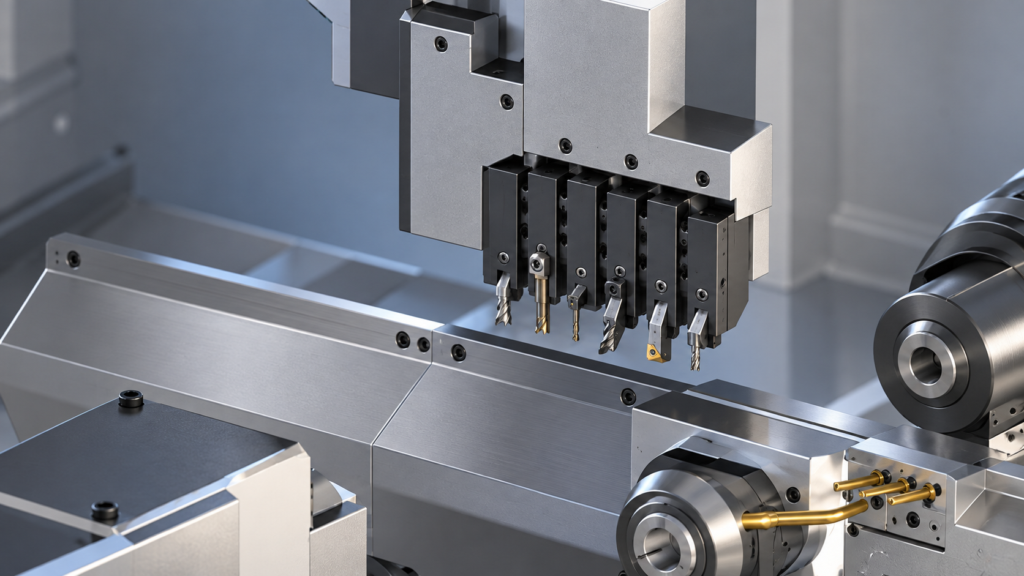
Gang tooling is a common feature on Swiss-type CNC machines because it allows several cutting tools to be mounted close together on the same slide. In ESPRIT EDGE, adding a gang tool station creates a digital representation of that tooling arrangement so programmers can assign tools, plan operations, simulate machine movement, and generate NC code.…
Read MoreESPRIT EDGE 2026.3: New Features & What You Need to Know
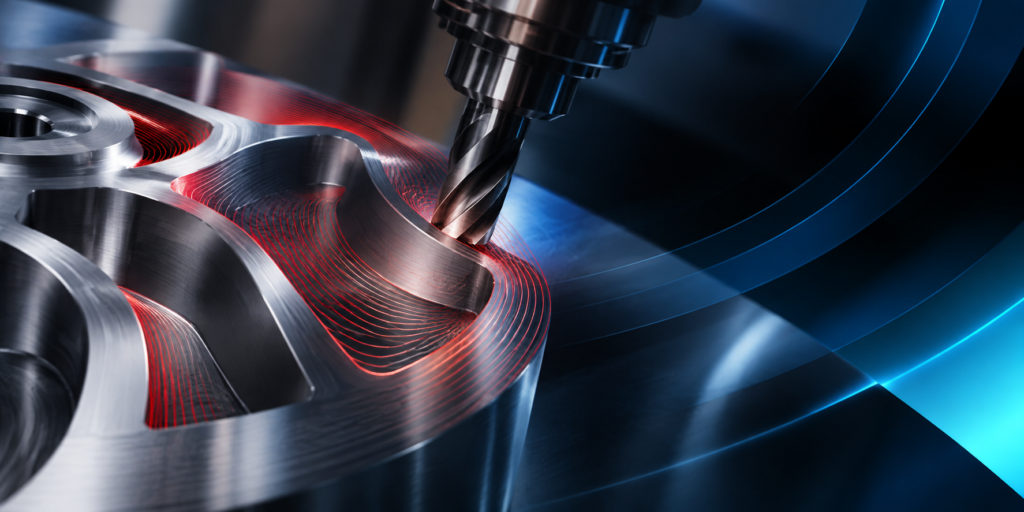
Hexagon has released ESPRIT EDGE 2026.3, bringing new machining capabilities, workflow improvements, and a large number of fixes across the platform. This release focuses on improving machining efficiency and expanding capabilities across 3-axis milling, 5-axis machining, turning, mill-turn, and CAD integration. Here are some of the key updates in ESPRIT EDGE 2026.3. Dynamic Cutting Optimization…
Read MoreHow to Set Sub Spindle Pickup Reference Positions in ESPRIT EDGE
Teaching Sub Spindle Reference Positions For Pickup Operations In ESPRIT EDGE. When programming transfer sequences in ESPRIT EDGE, you can fully tailor the pickup cycle to how you would normally do so at the machine. This would include having the sub spindle rapid to the face of the part (or clearance position) on the main…
Read MorePMT and Morphos 3D Partner at IMTS 2026 to Connect CAD, CAM, and ERP
Production Machining Technologies is heading to IMTS 2026 with an expanded group of manufacturing specialists. This year, PMT is partnering with Morphos 3D, an authorized Dassault Systèmes value-added reseller supporting manufacturers across SOLIDWORKS, CAD/CAM solutions, and DELMIAWorks manufacturing ERP and MES. Visitors can meet both teams September 14 through 19 at booth #135824. The…
Read MoreESPRIT EDGE Toolpaths Grayed Out? Here’s How to Fix It
Why Are My Wire EDM Toolpaths Grayed Out in ESPRIT EDGE? When getting started with wire EDM programming in ESPRIT EDGE, one of the most common questions is surprisingly simple: “Why are my EDM toolpaths grayed out?” You may have a valid solid model displayed in the graphics window, yet when you open the EDM…
Read MoreWhat Is VISI? An Introduction to CAD/CAM for Mould & Die Manufacturing
VISI is a dedicated CAD, CAE, and CAM solution for the mould and die industry, bringing together engineering and automation tools for tooling manufacturers. The software supports plastic injection mould design, progressive die design, manufacturing preparation, CNC machine tool programming, and process simulation, verification, and optimization. Dedicated CAD for Mould & Die VISI provides…
Read MoreWhat’s New in VISI 2026.2
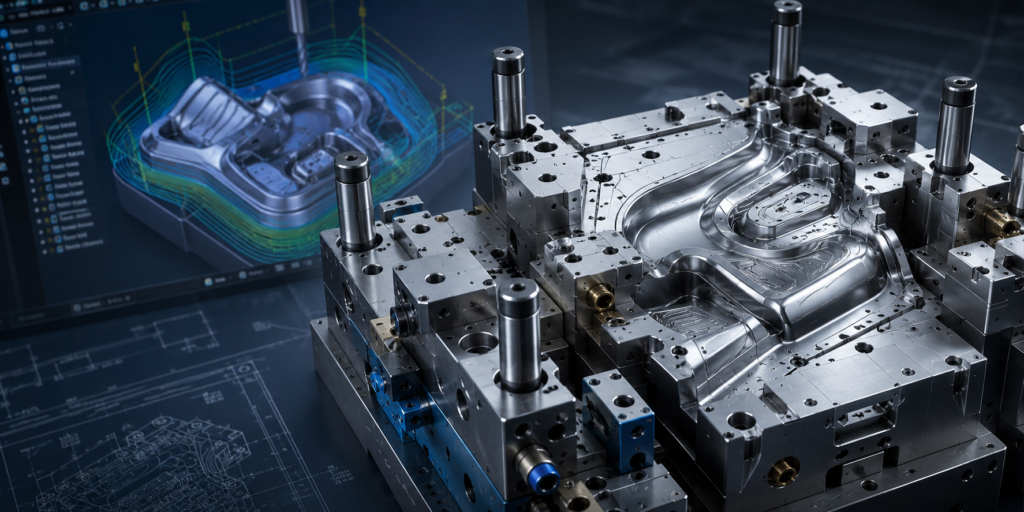
VISI 2026.2 is focused on improving everyday productivity with enhancements across CAD, CAM, EDM, and PMI workflows, along with numerous stability and performance improvements throughout the software. Smarter CAM Programming This release introduces several machining improvements, including the official release of Adaptive Feedrate for 2-axis roughing, better Global Finishing options, Waterline enhancements, and improved profiling…
Read MoreWhat’s New in ESPRIT EDGE 2026.2: ProfitMilling, 5-Axis & Simulation Updates
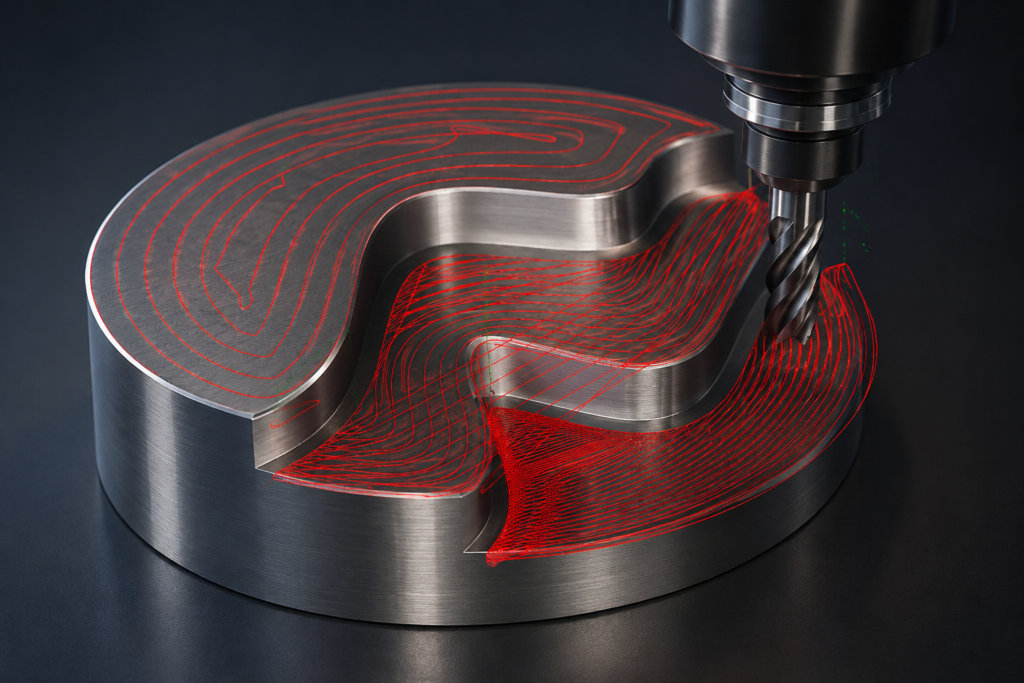
Manufacturing efficiency is not only about programming faster. It is about creating reliable toolpaths, reducing unnecessary adjustments, and getting the most out of your machine. With ESPRIT EDGE 2026.2, Hexagon continues improving machining workflows with enhancements focused on automation, performance, and better connection between programming decisions and real machine capabilities. Here are some of the…
Read More