
VISI 2025.4 introduces a set of practical updates focused on usability and consistency. These changes are designed to improve how you interact with the software day to day without changing your workflow.
Here’s what’s new in the General updates.
Maintain Your View While Working
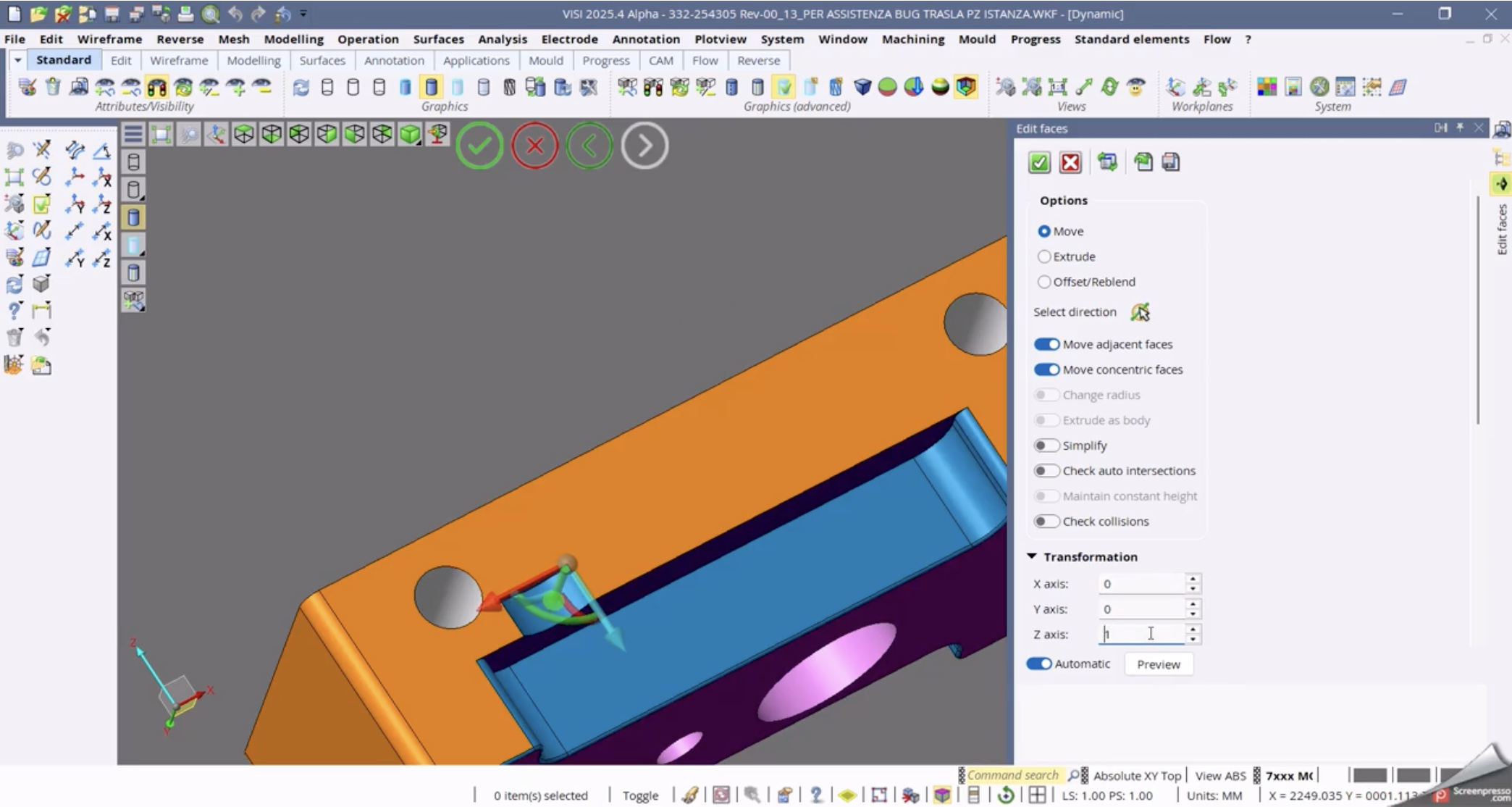
VISI now maintains the current application view when launching a modelling command with a docked dialogue box, even if it overlaps with the Assembly Manager.
Why it matters:
You no longer lose your working view when opening tools. This keeps your focus on the model instead of resetting your workspace.
Improved Visibility Controls
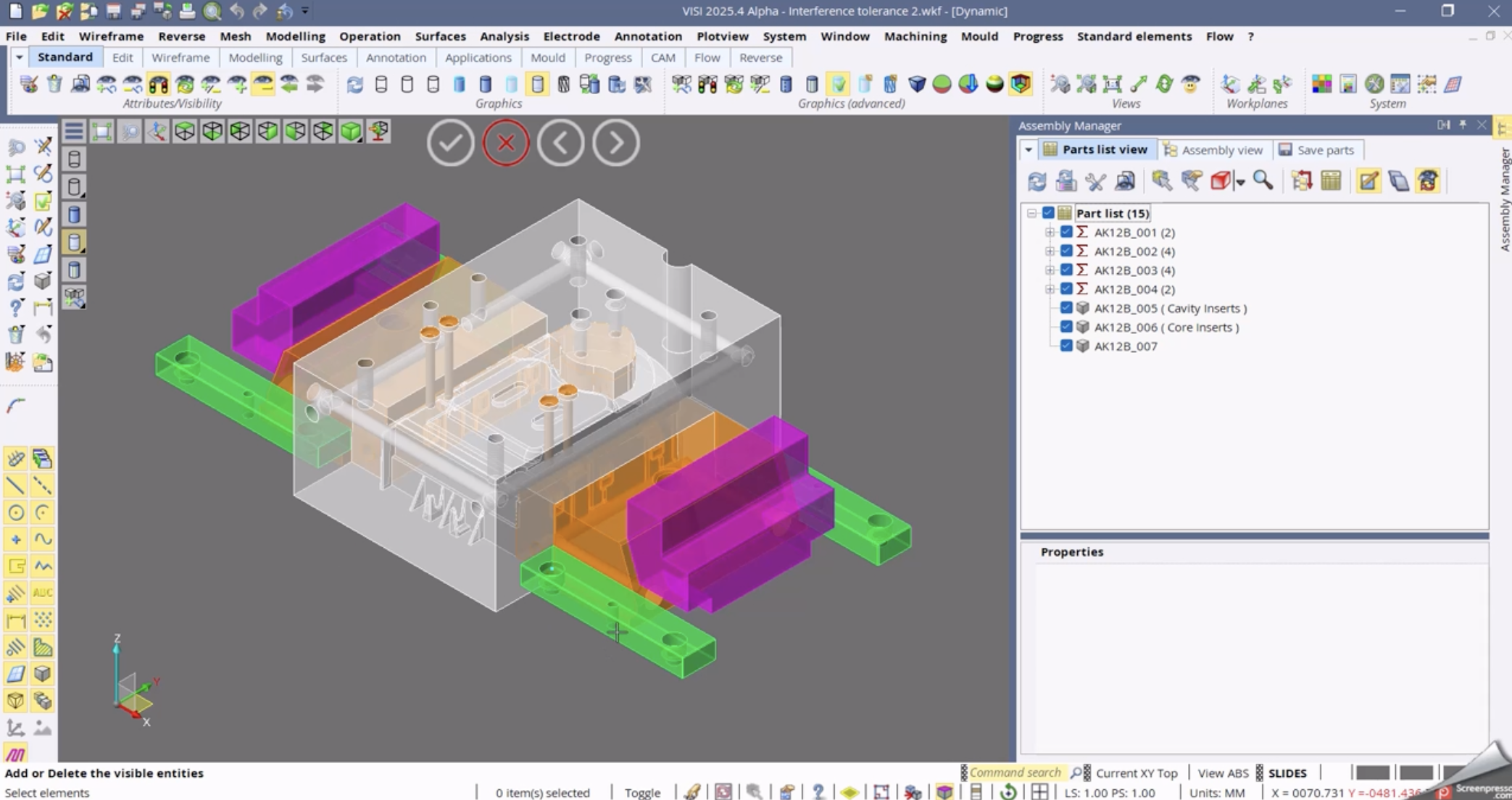
You can now move forward and backward through visibility states for entities, including layers and hidden selections.
Why it matters:
Managing what’s visible in complex models is easier and more controlled, especially when switching between different working states.
Larger Preview Images for WKF Files
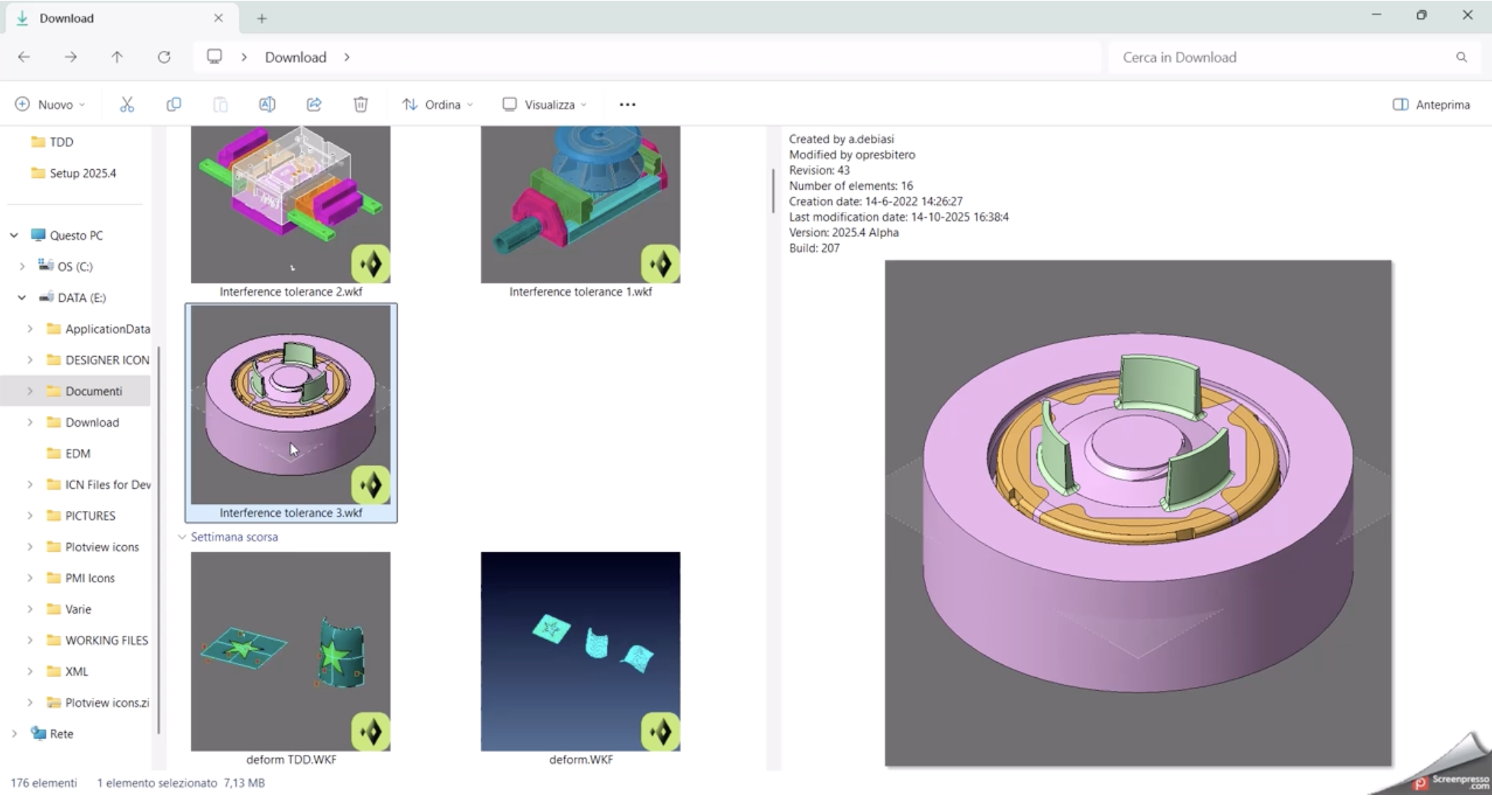
WKF files now include a higher resolution preview image (1024x1024), improving how they appear in Windows Explorer.
Why it matters:
You can quickly identify files without opening them, which helps when working with large numbers of parts.
Save Part As – Persistent Options
The “Save Part As” command now remembers the last used option setting (ON or OFF) and applies it in future sessions.
Why it matters:
Reduces repetitive setup and keeps your workflow consistent.
Migration Tool Improvements
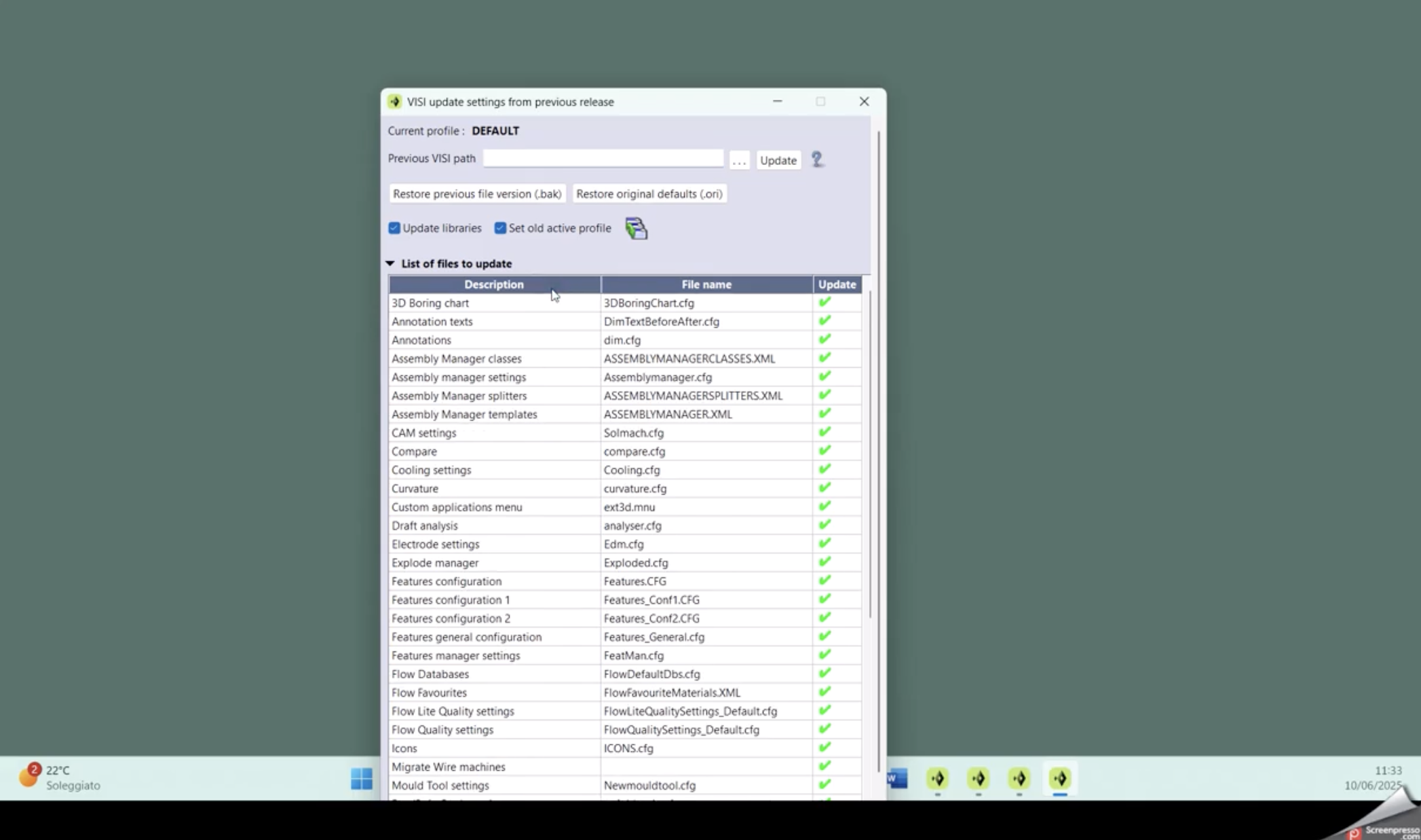
The Migration Tool has been updated with several usability improvements:
- Opens in a compact view by default with the option to expand
- Columns can now be sorted by clicking on headers
- Updated icons make selections clearer
Additional settings now included:
- 3D HUD button configuration
- Mouse configuration settings
- SpaceMouse configuration now stored in a single VISI.xml file across versions
Why it matters:
Upgrading to a new version is smoother, and your environment carries over more reliably.
Default Material for Weight Calculations
You can now define a default material in the Weight.cfg file.
If a solid does not have a material assigned, VISI will automatically use the default material for weight calculations.
Why it matters:
Ensures consistent and accurate weight calculations without manual setup every time.
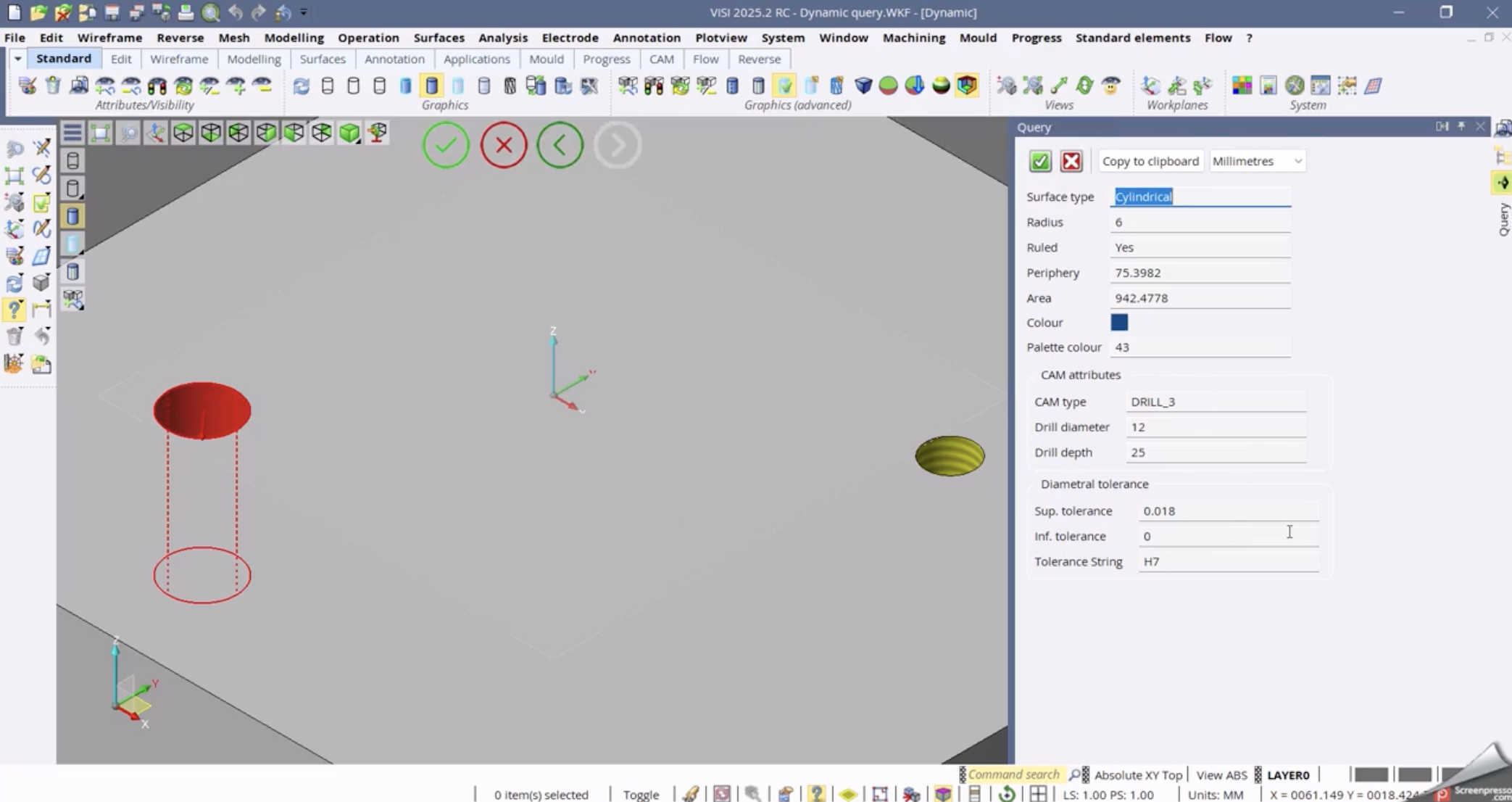
Improved Query and Tooltip Information
Dynamic tooltips now display more detailed information for holes with tolerances. This aligns with the information available in Query and Surface Analyzer tools.
Why it matters:
You get consistent and complete information without needing to switch between tools.
Shortcut Keys Displayed in Tooltips
Tooltips now show the shortcut key associated with commands.
Why it matters:
Helps you learn shortcuts naturally and improve efficiency over time.
Layer Management Improvements
Two key updates to layer handling:
- The layer list automatically scrolls to the active layer when selecting entities
- Filters now work in a subtractive way
For example, disabling “Locked Layers” removes them from the list, even if other filters are active.
Why it matters:
Layer management becomes more predictable and easier to control in complex projects.
Final Thoughts
VISI 2025.4 focuses on refining the user experience. These updates are built around real workflow improvements that help reduce friction and keep you moving.
If you’re using VISI daily, these are the kinds of changes you’ll notice right away.