
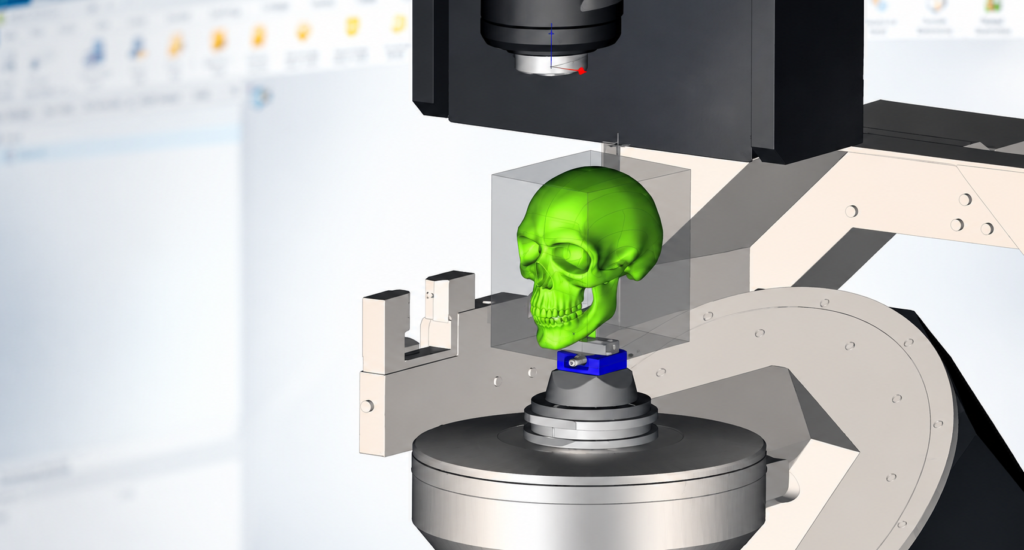
How to Fix Missing KBM Tool References in ESPRIT EDGE
A simple guide to restoring adaptive items and saving the tool back to KBM When a KBM tool contains references to GDML files that are unavailable, the tool may normally stop loading or report missing references. By adjusting the KBM loading options, you can allow the tool to open first and repair the missing links…
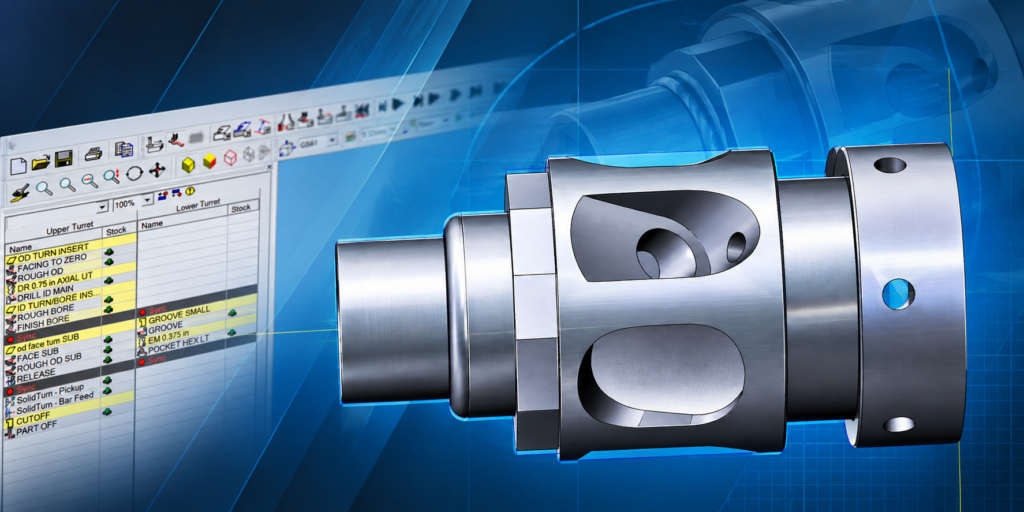
ESPRIT 20XX Production Mode: Dual-Spindle Lathe Guide
ESPRIT – Switching Your Program to Production Mode Transitioning a dual-spindle lathe from a single-piece setup into a continuous production cycle requires a deliberate shift in CAM logic. While linear programming works well for prototyping single components, high-volume manufacturing relies on Production Mode-a synchronized sequence where operations cycle continuously in a repetitive loop, running simultaneous…

ESPRIT Server Migration Guide: Physical & Virtual Servers
ESPRIT Server Migration Guide: Moving Your Licenses to a New or Virtual Server A practical guide for IT teams covering server replacements, virtual machine migrations, USB security keys, license activation, and network requirements. Planning to replace your current ESPRIT license server or move your licensing environment to a virtual machine? Whether you’re upgrading aging hardware,…
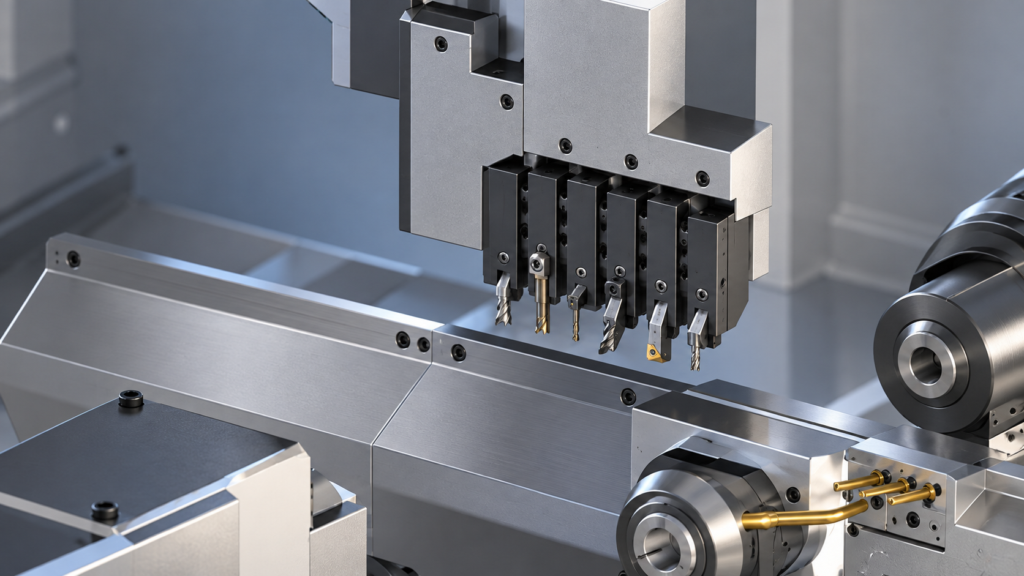
How to Add Gang Tool Stations in ESPRIT EDGE
Gang tooling is a common feature on Swiss-type CNC machines because it allows several cutting tools to be mounted close together on the same slide. In ESPRIT EDGE, adding a gang tool station creates a digital representation of that tooling arrangement so programmers can assign tools, plan operations, simulate machine movement, and generate NC code….
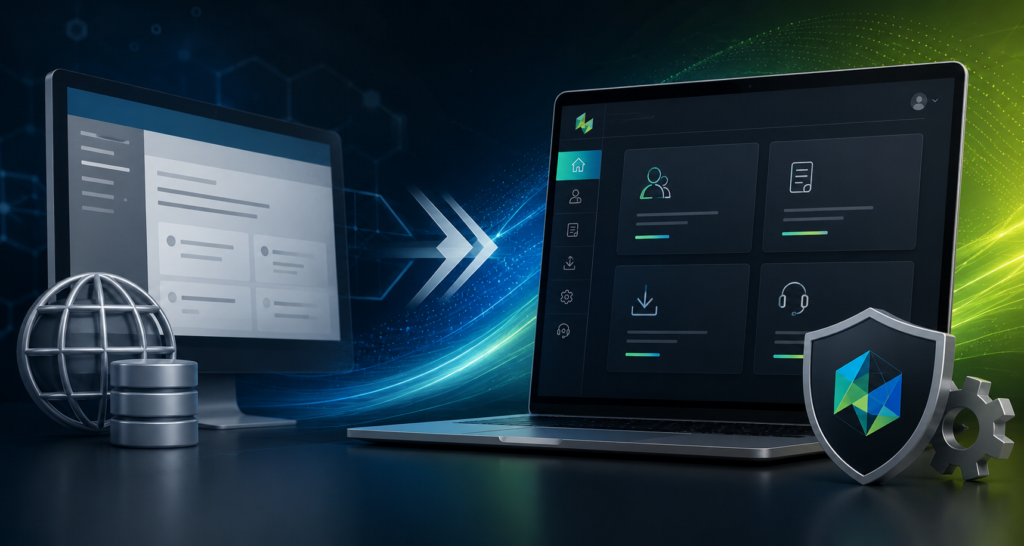
ESPRITWeb to Hexagon Customer Portal (HCP) Transition Guide
ESPRIT support and license management have officially transitioned from ESPRITWeb to the Hexagon Customer Portal (HCP). The Hexagon Customer Portal provides a single location to manage your Hexagon Production Software resources, including: Technical support requests License management Software resources Machine Digital Twin Center content will continue to be available through the Machine Digital Twin Center…
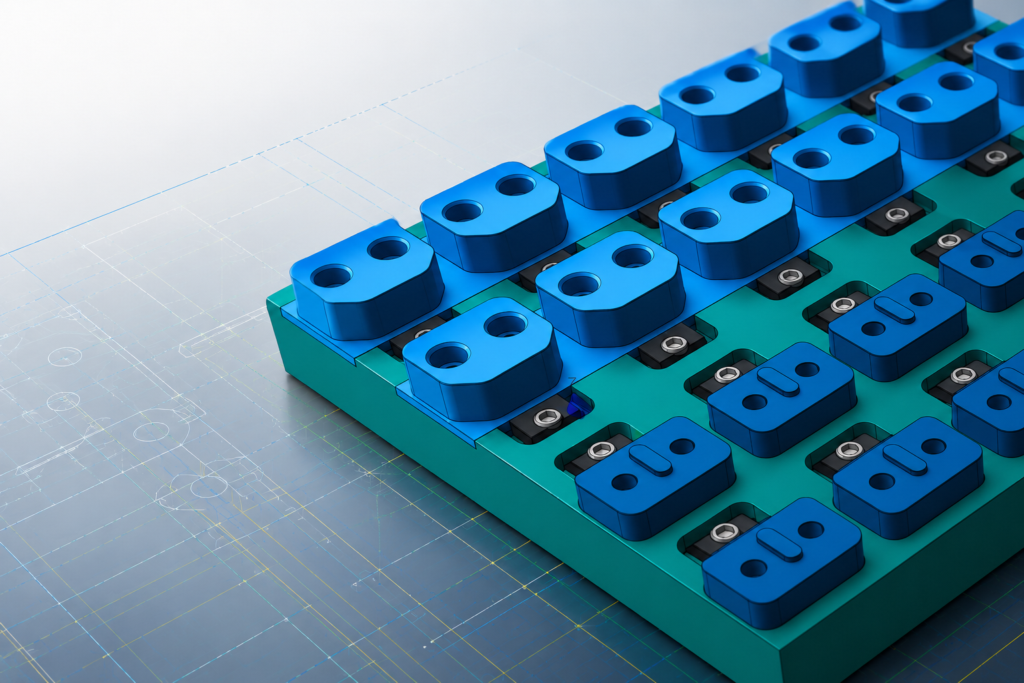
DESIGNER 2026.2: Smarter Design Tools for a More Efficient Manufacturing Workflow
Modern manufacturing requires more than creating accurate geometry. Teams need tools that improve communication, reduce manual steps, and create a smoother connection between design and production. The latest release of DESIGNER 2026.2 introduces enhancements focused on simplifying workflows, improving manufacturing documentation, and helping users work faster with a more modern CAD environment. Smarter Manufacturing…
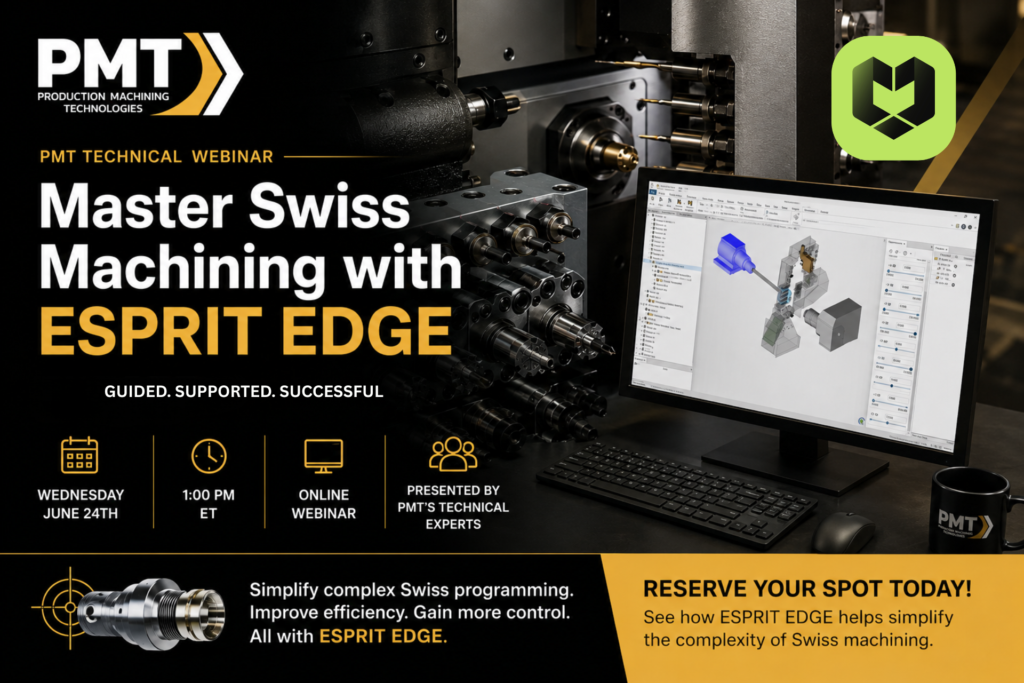
Webinar: Master Swiss Machining with ESPRIT EDGE
REGISTER HERE Date: Wednesday, June 24th Time: 1 PM ET Location: Online Webinar Swiss machining is built for precision, but programming complex multi-axis parts can quickly become challenging. Join us for our next PMT Technical Webinar as we explore ESPRIT EDGE Swiss, showcasing tools and workflows designed to simplify Swiss-style programming, improve efficiency, and give…
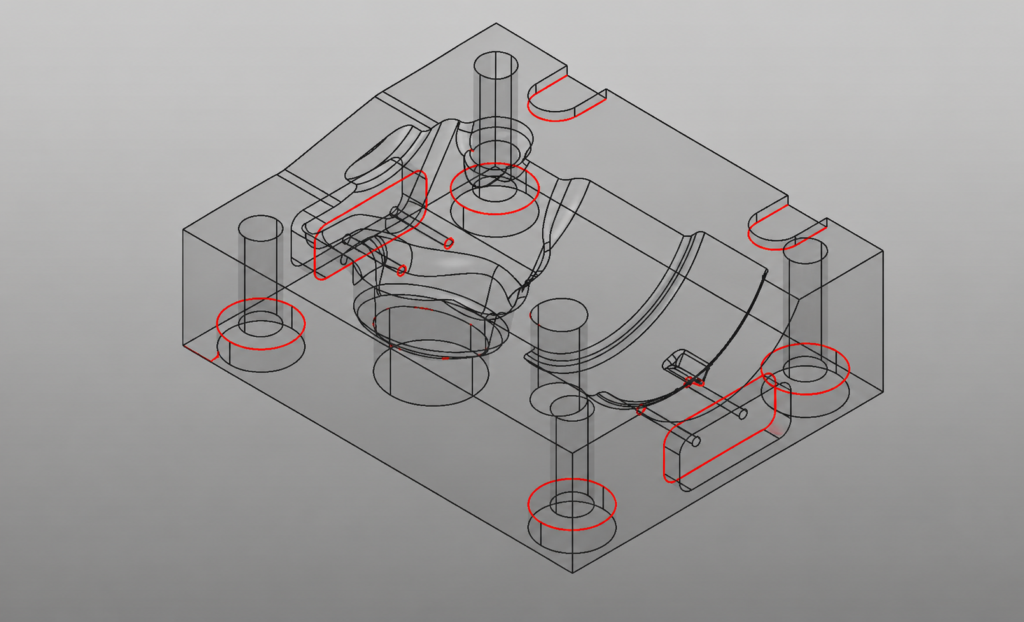
Analysis – Altitude & Borders
Using Altitude and Border Analysis in WorkNC to Improve Machining Strategy When programming complex parts in a CAM environment, understanding geometry quickly and accurately is essential. WorkNC provides several highly effective visualization tools within the Analysis module that help programmers evaluate geometry before toolpaths are created. In this article, we’ll focus on two especially useful…
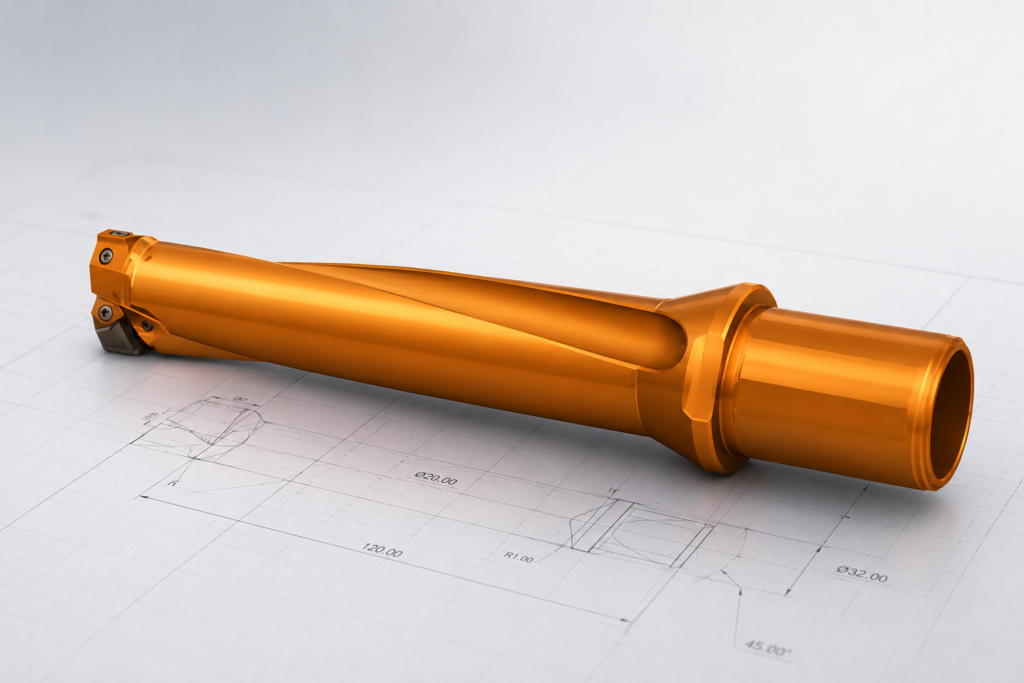
Create a Custom Mill from a 3D CAD Model
Creating a custom tool in ESPRIT EDGE allows you to accurately simulate specific tool geometries, such as an insert drill, by using a 3D CAD model provided by a manufacturer. Follow these steps to translate a solid model into a functional custom tool. Import Your Geometry The first step is to bring your tool geometry…
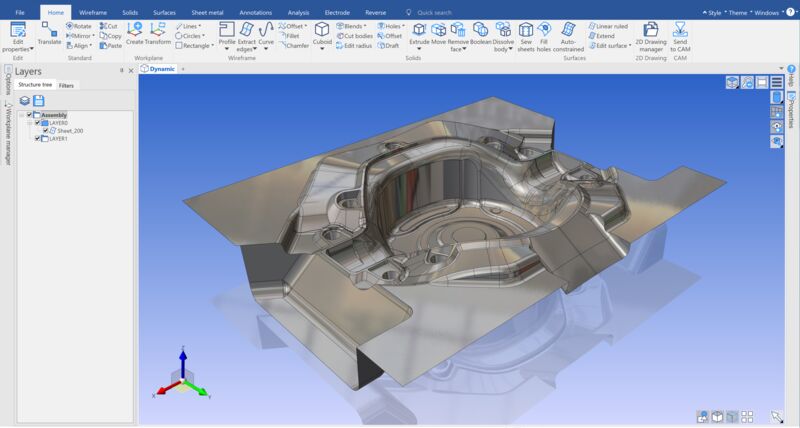
What’s New in DESIGNER 2026.1 and Where It Saves You Time
If you’re using DESIGNER as part of your workflow, you already know the small things add up. Searching for commands, fixing hole features, cleaning up models before machining… none of it is hard, but it all takes time. DESIGNER 2026.1 focuses on improving those everyday tasks so you can move faster from design to production….