
Posts by Brent Addington
How to Fix Missing KBM Tool References in ESPRIT EDGE
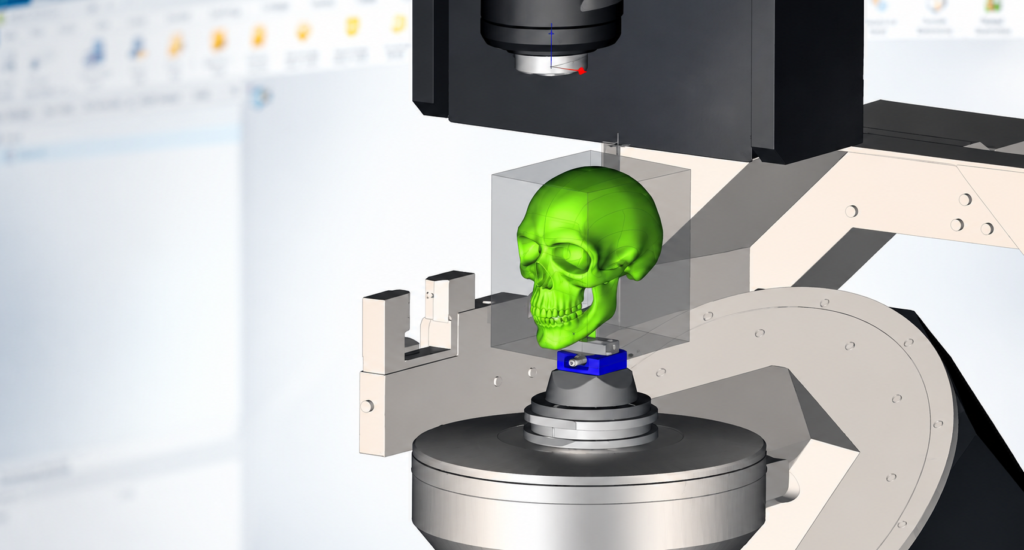
A simple guide to restoring adaptive items and saving the tool back to KBM When a KBM tool contains references to GDML files that are unavailable, the tool may normally stop loading or report missing references. By adjusting the KBM loading options, you can allow the tool to open first and repair the missing links…
Read MoreESPRIT Tool GUIDs: How to Reference Tools Accurately
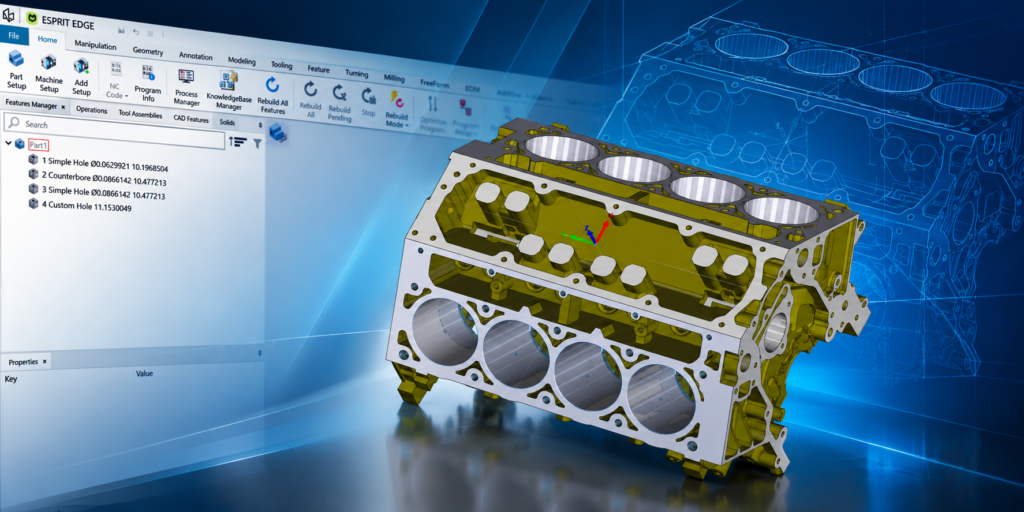
A more reliable alternative to using tool names When referencing a tool within ESPRIT, use its globally unique identifier (GUID) instead of relying only on the tool name. A tool name may be changed, duplicated, abbreviated, or displayed differently in various environments, while a GUID provides a consistent way to identify the exact tool you…
Read MoreHow to Customize ESPRIT EDGE Program Reports Using CL Codes

A general overview of connecting individual ESPRIT EDGE data fields to Program Reports ESPRIT EDGE associates many tool and technology input boxes with numbered CL (Control Language) codes. These codes provide a consistent way to identify the underlying data and connect values entered in an ESPRIT EDGE file to fields displayed in a customized Program…
Read MoreESPRIT EDGE Contouring: An Alternate Turning Method
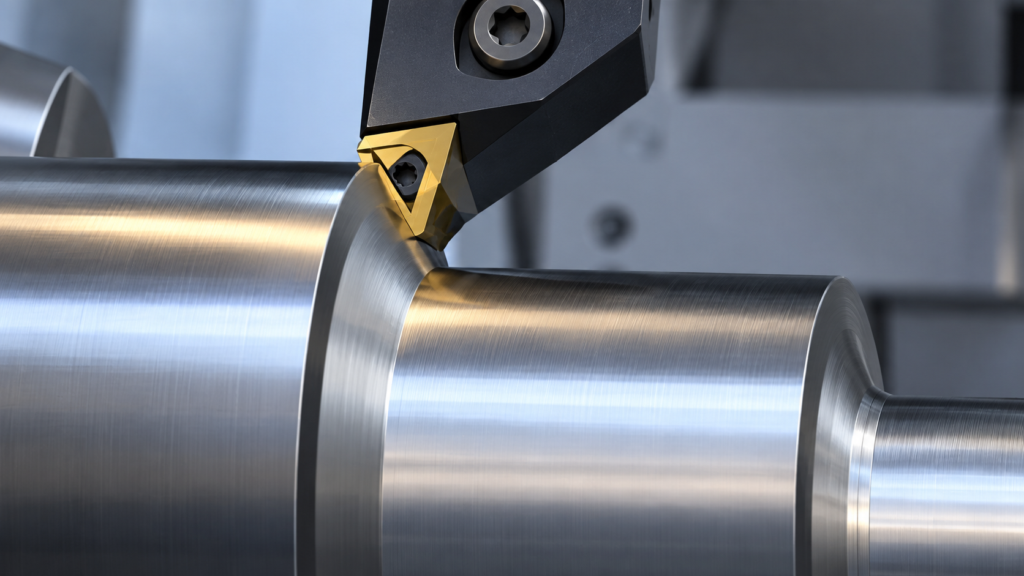
Why splitting shank and face cutting into controlled segments can improve stability, tool life, and surface finish In turning, a contour can look like one continuous path on the screen. At the machine, however, that path may combine very different cutting conditions. A tool traveling along a shank is primarily cutting in the axial direction.…
Read MoreHow to Add Gang Tool Stations in ESPRIT EDGE
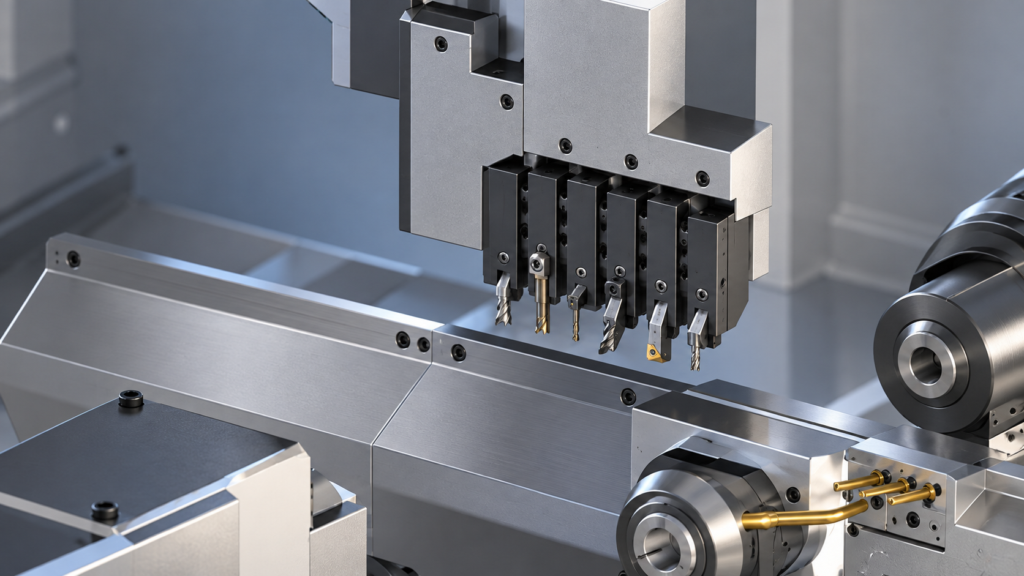
Gang tooling is a common feature on Swiss-type CNC machines because it allows several cutting tools to be mounted close together on the same slide. In ESPRIT EDGE, adding a gang tool station creates a digital representation of that tooling arrangement so programmers can assign tools, plan operations, simulate machine movement, and generate NC code.…
Read MoreHow to Set Sub Spindle Pickup Reference Positions in ESPRIT EDGE

Teaching Sub Spindle Reference Positions For Pickup Operations In ESPRIT EDGE. When programming transfer sequences in ESPRIT EDGE, you can fully tailor the pickup cycle to how you would normally do so at the machine. This would include having the sub spindle rapid to the face of the part (or clearance position) on the main…
Read MoreEstablishing a Speeds and Feeds Database
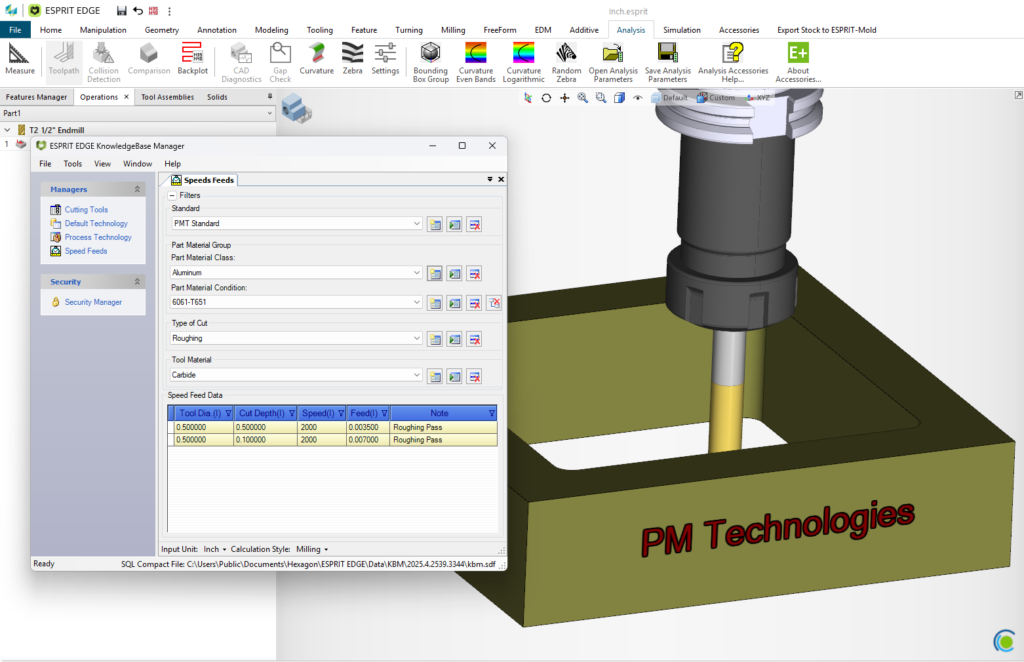
There are many reasons to establish a Speeds-and-Feeds database within ESPRIT EDGE, the most prominent being to shorten the amount of time it takes to fully program a part. Creating this database is easier than you think, and we’ll show you how. First, you will need to create a new standard within the Knowledgebase and…
Read MoreSetup Changes Made Easy
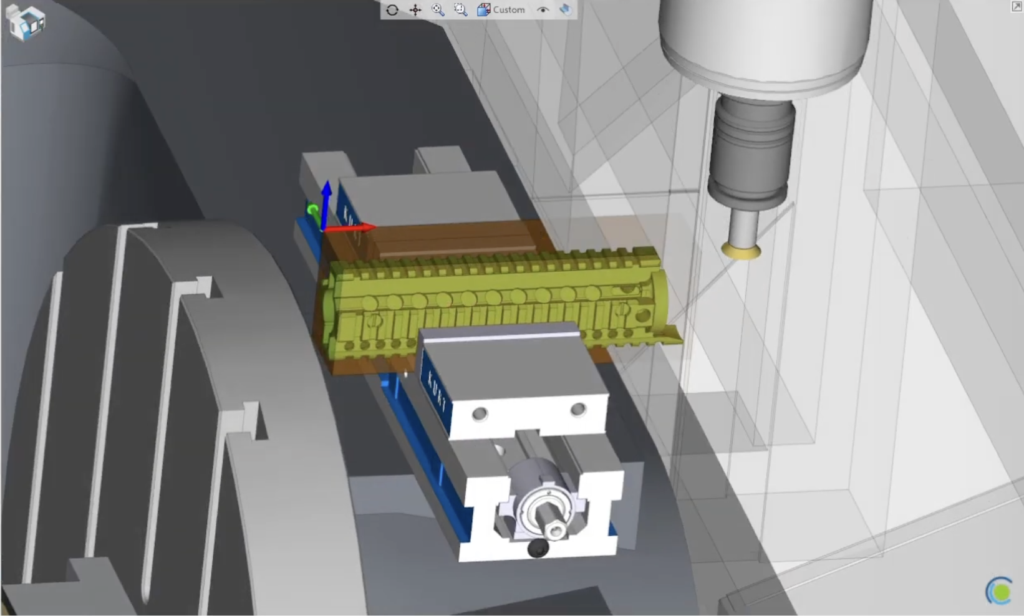
Transitioning between workholding setups within the same EDGE file. Traditionally, when setting up a new job that will run on a single machine, but with multiple fixtures, it would be a daunting task to navigate the work holding and stock transition from setup to setup. ESPRIT EDGE not only has the ability to transition a…
Read MoreComposite – Blending In
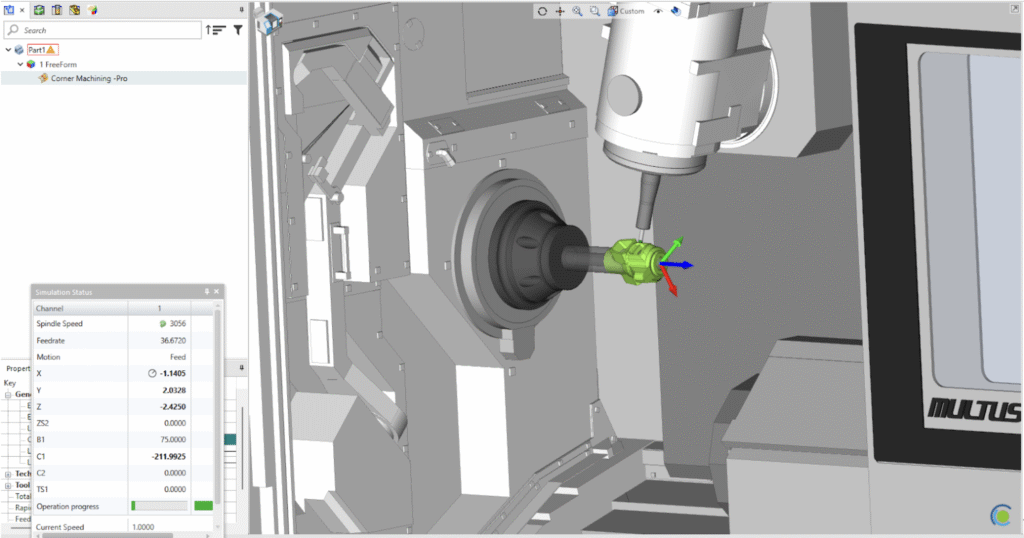
An Intro to 5-axis Composite Cycles. Blending Fillet with the 5th axis 1. Set your Workplane This time, we want our W- Vector point towards the direction that we want our tool to approach from. 2. Build your Freeform Feature We want to select our drive surface (Part) along with designating the surface we do…
Read MoreComposite – Radial 5 Axis Machining
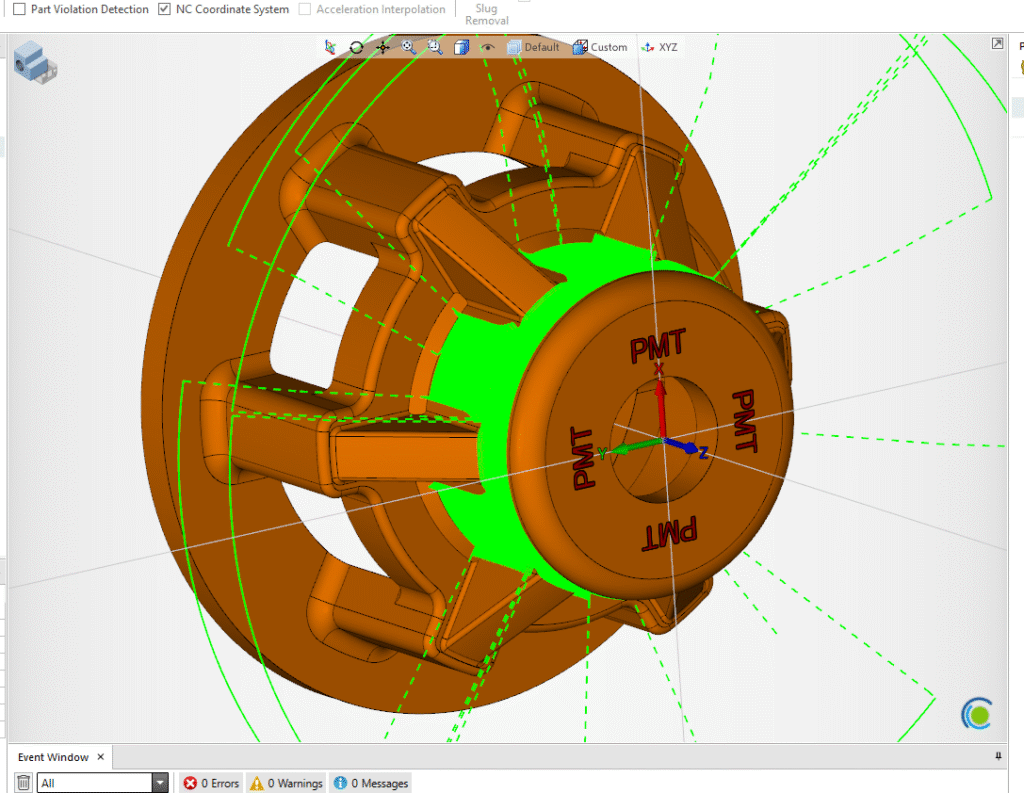
An intro to 5-axis composite cycles. Written in as few words as possible… 1. Set your Workplane XYZ will work great for 360 Radial Surfacing 2. Create your FreeForm Features Select your Machined/Part surfaces Set all else to Check 3. Create your Projection/Drive Surface Create a circle on…
Read More