

How to Set Sub Spindle Pickup Reference Positions in ESPRIT EDGE
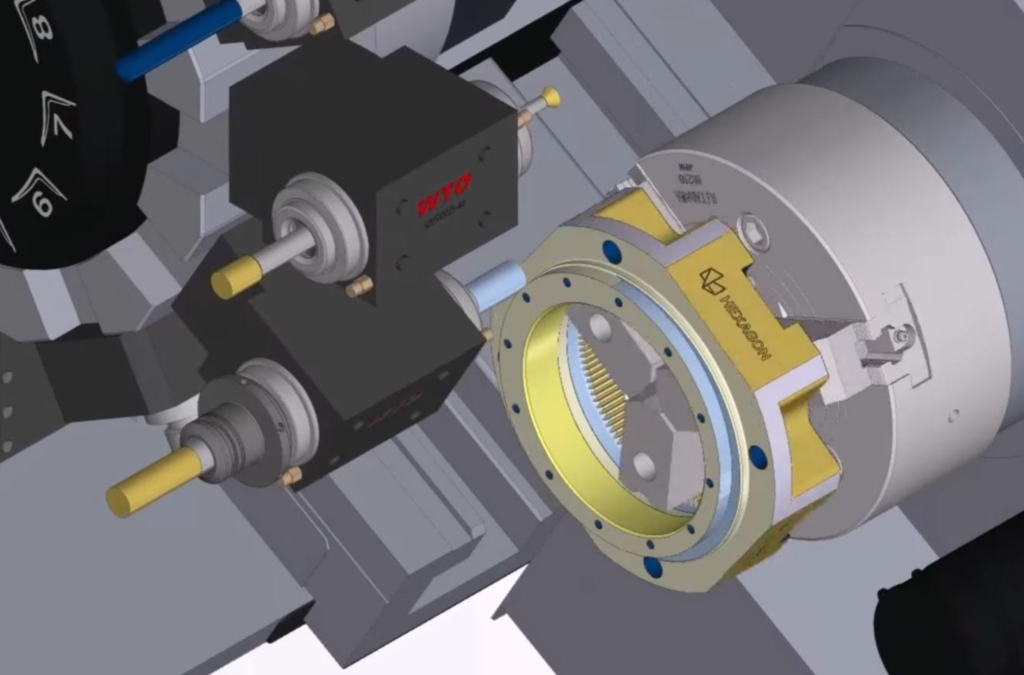
Teaching Sub Spindle Reference Positions For Pickup Operations In ESPRIT EDGE. When programming transfer sequences in ESPRIT EDGE, you can fully tailor the pickup cycle to how you would normally do so at the machine. This would include having the sub spindle rapid to the face of the part (or clearance position) on the main…
ESPRIT EDGE Toolpaths Grayed Out? Here’s How to Fix It
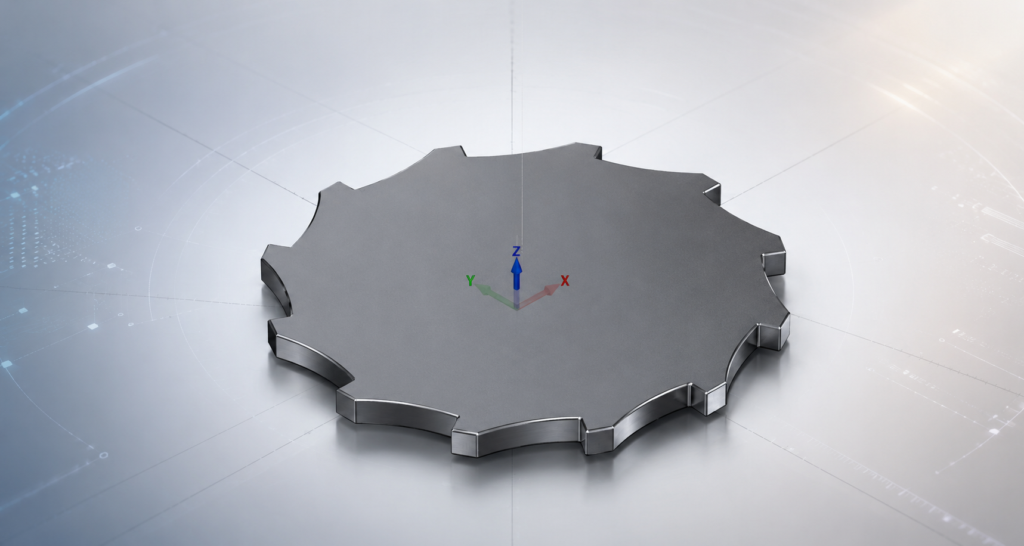
Why Are My Wire EDM Toolpaths Grayed Out in ESPRIT EDGE? When getting started with wire EDM programming in ESPRIT EDGE, one of the most common questions is surprisingly simple: “Why are my EDM toolpaths grayed out?” You may have a valid solid model displayed in the graphics window, yet when you open the EDM…
Create a Custom Mill from a 3D CAD Model
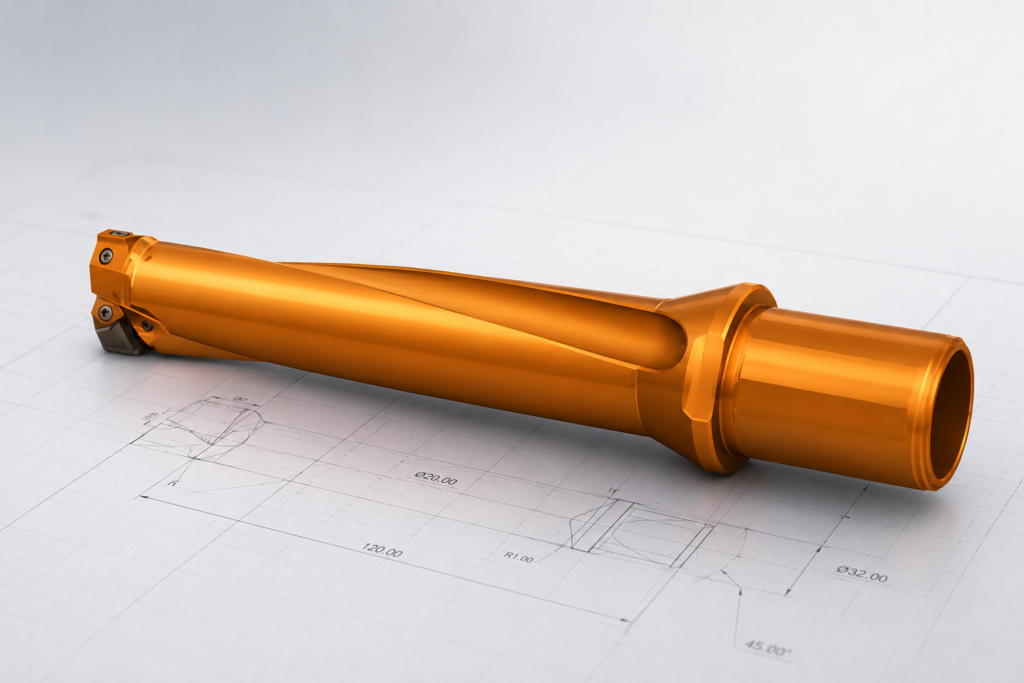
Creating a custom tool in ESPRIT EDGE allows you to accurately simulate specific tool geometries, such as an insert drill, by using a 3D CAD model provided by a manufacturer. Follow these steps to translate a solid model into a functional custom tool. Import Your Geometry The first step is to bring your tool geometry…
ESPRIT EDGE 2026.1 is Here: What You Need to Know
ESPRIT EDGE 2026.1 has officially been released, marking the first major update of the year and setting the foundation for what’s coming next. This release focuses on practical improvements, better automation, and stronger performance for more complex machining workflows. Here’s a breakdown of what stands out and where it can make a difference. Compatibility Updates…
Mastering the Flip: Automatic Stock Transfer in ESPRIT EDGE
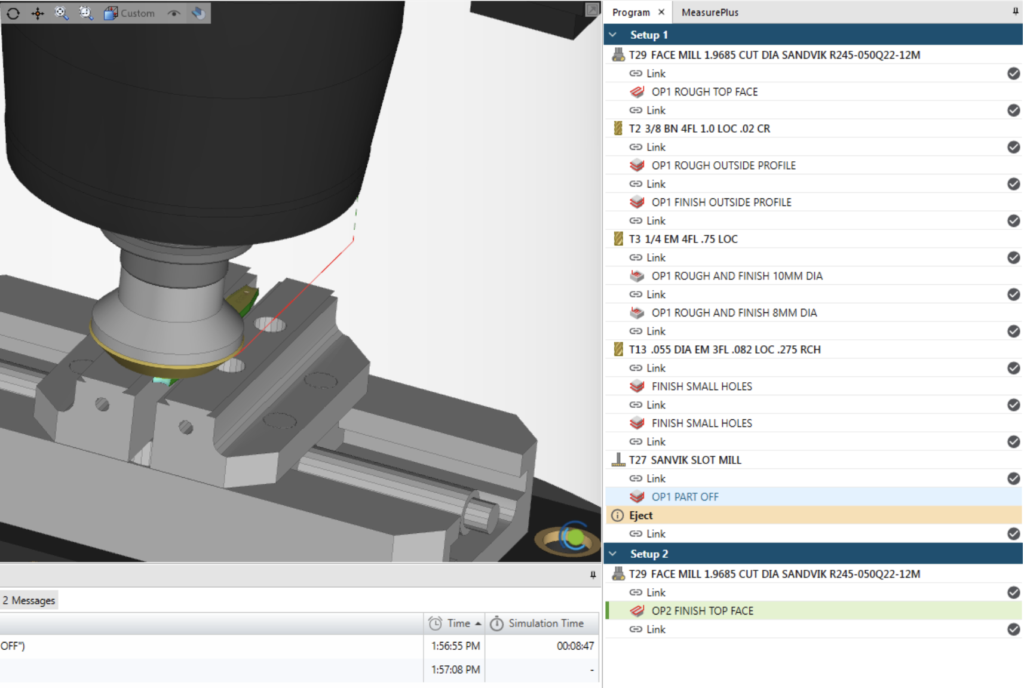
In this guide, we will walk through the Copy Previous Setup workflow in Esprit Edge. This method allows the system to automatically transfer the remaining stock from one setup to the next, keeping the simulation up to date and eliminating the need for manual stock exports. The result is a cleaner workflow, fewer files to…
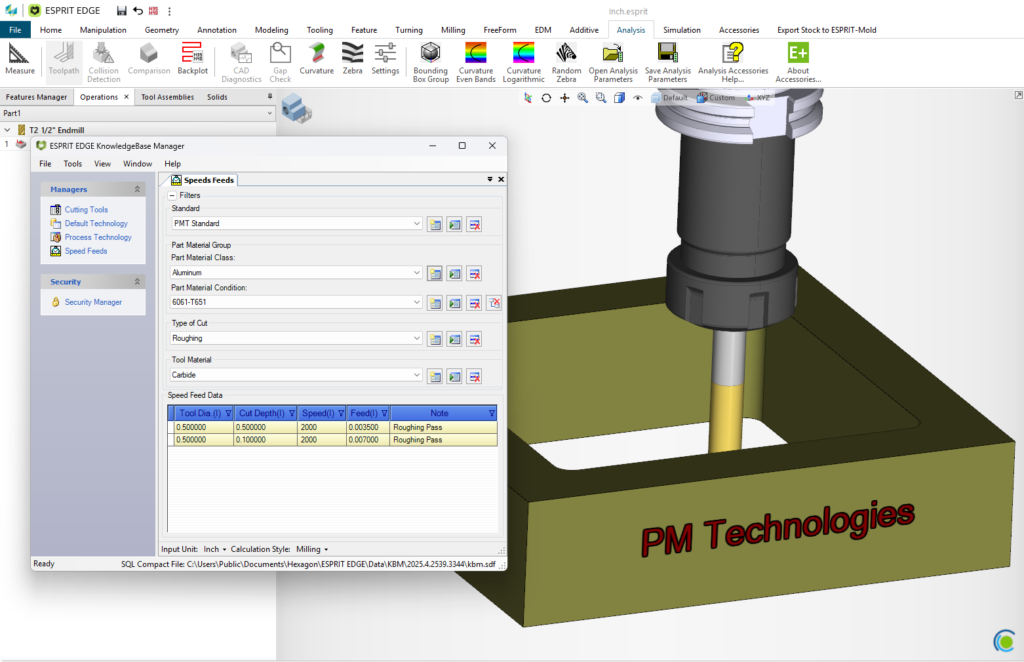
Establishing a Speeds and Feeds Database
There are many reasons to establish a Speeds-and-Feeds database within ESPRIT EDGE, the most prominent being to shorten the amount of time it takes to fully program a part. Creating this database is easier than you think, and we’ll show you how. First, you will need to create a new standard within the Knowledgebase and…
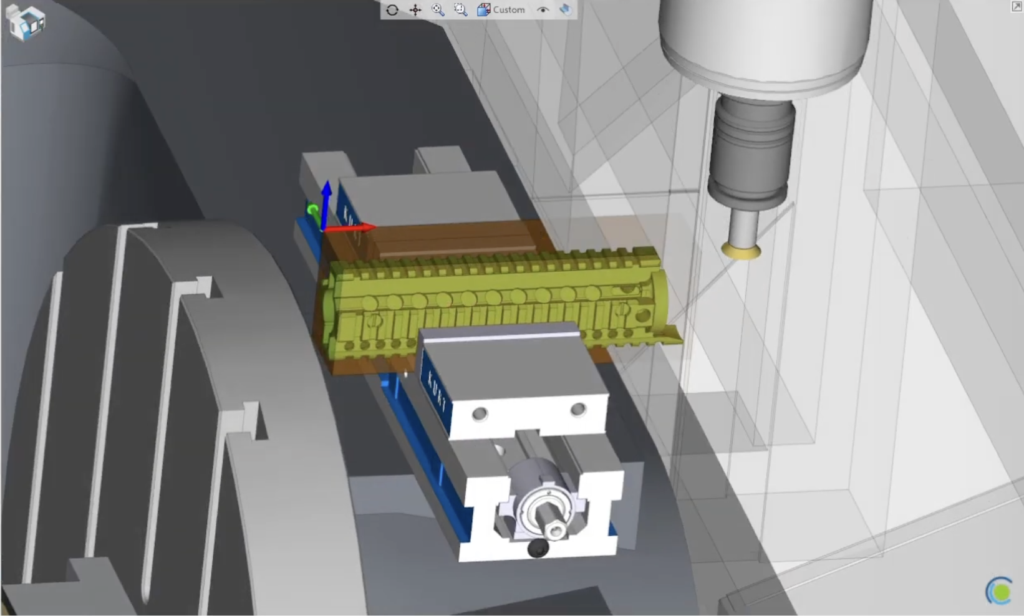
Setup Changes Made Easy
Transitioning between workholding setups within the same EDGE file. Traditionally, when setting up a new job that will run on a single machine, but with multiple fixtures, it would be a daunting task to navigate the work holding and stock transition from setup to setup. ESPRIT EDGE not only has the ability to transition a…
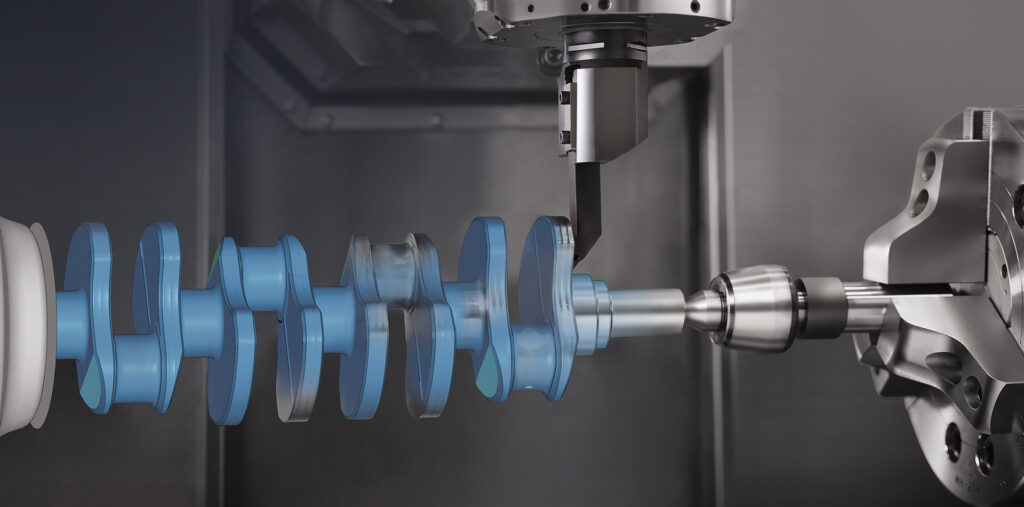
ESPRIT EDGE 2025.4 — Practical Improvements You’ll Notice Right Away
ESPRIT EDGE 2025.4 is here, and this update is all about improving accuracy, toolpath quality, and day-to-day reliability. Instead of introducing big new features, this release strengthens the areas machinists use the most. Below is a quick look at the improvements that matter on the shop floor. More Reliable Canned Cycles for Turning Canned cycles…
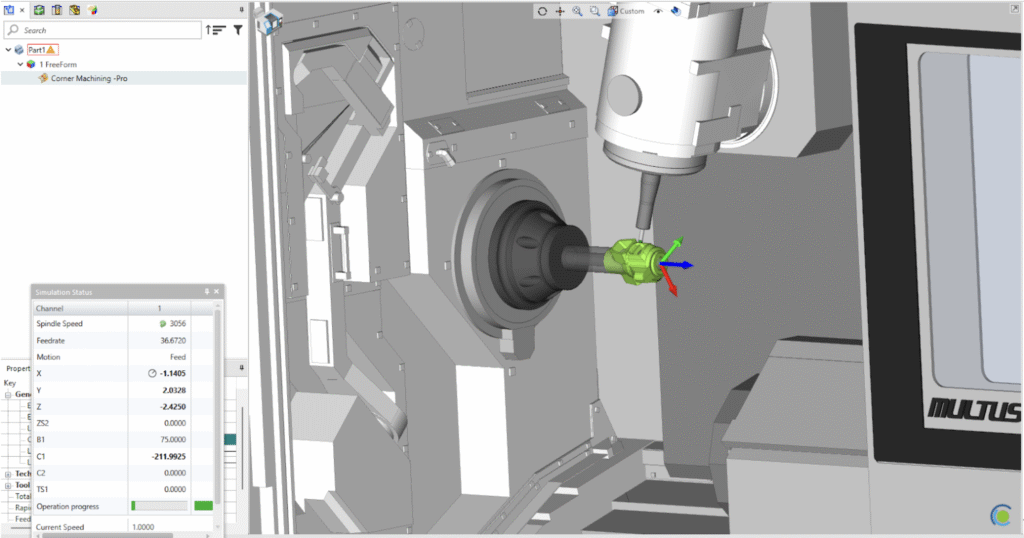
Composite – Blending In
An Intro to 5-axis Composite Cycles. Blending Fillet with the 5th axis 1. Set your Workplane This time, we want our W- Vector point towards the direction that we want our tool to approach from. 2. Build your Freeform Feature We want to select our drive surface (Part) along with designating the surface we do…
ESPRIT EDGE 2025.3 — Smarter, Faster, and Ready for What’s Next!
ESPRIT EDGE 2025.3 is officially out, bringing powerful enhancements that make programming smoother, faster, and more precise across all types of machining environments. This version continues the evolution of ESPRIT EDGE as a next-generation CAM platform built to handle complex, high-demand production with reliability and efficiency. What’s New in 2025.3 Improved Slotting Controls in ProfitMilling…