
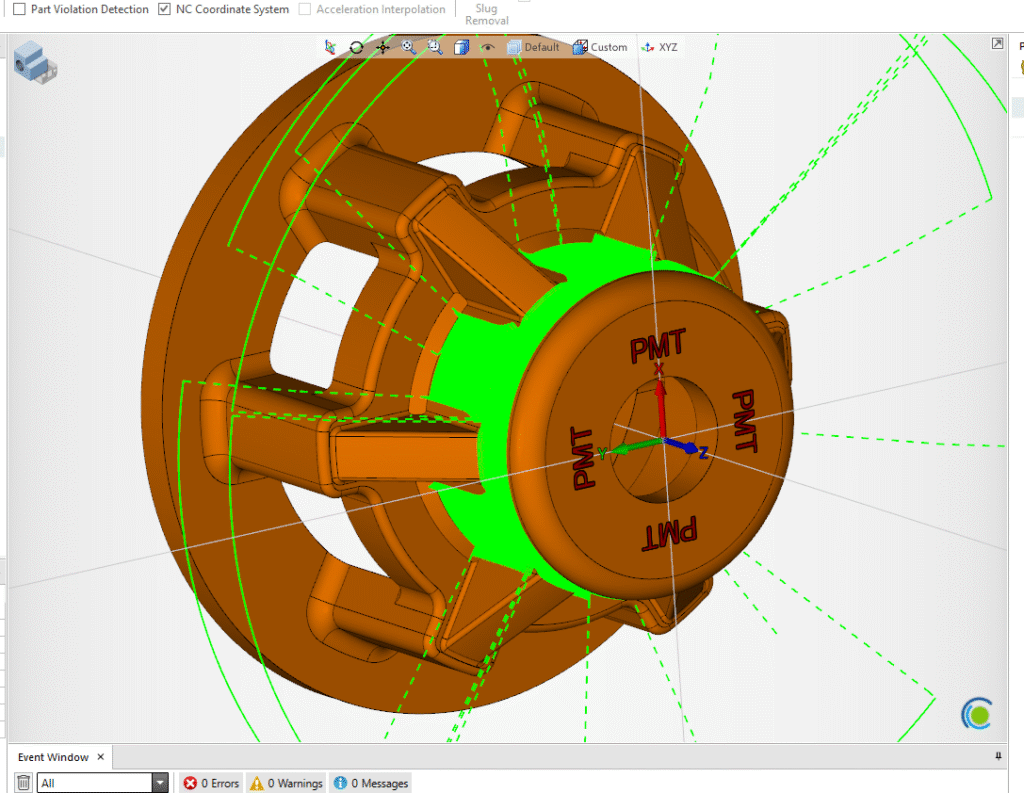
Composite – Radial 5 Axis Machining
An intro to 5-axis composite cycles. Written in as few words as possible… 1. Set your Workplane XYZ will work great for 360 Radial Surfacing 2. Create your FreeForm Features Select your Machined/Part surfaces Set all else to Check 3. Create your Projection/Drive Surface Create a circle on…
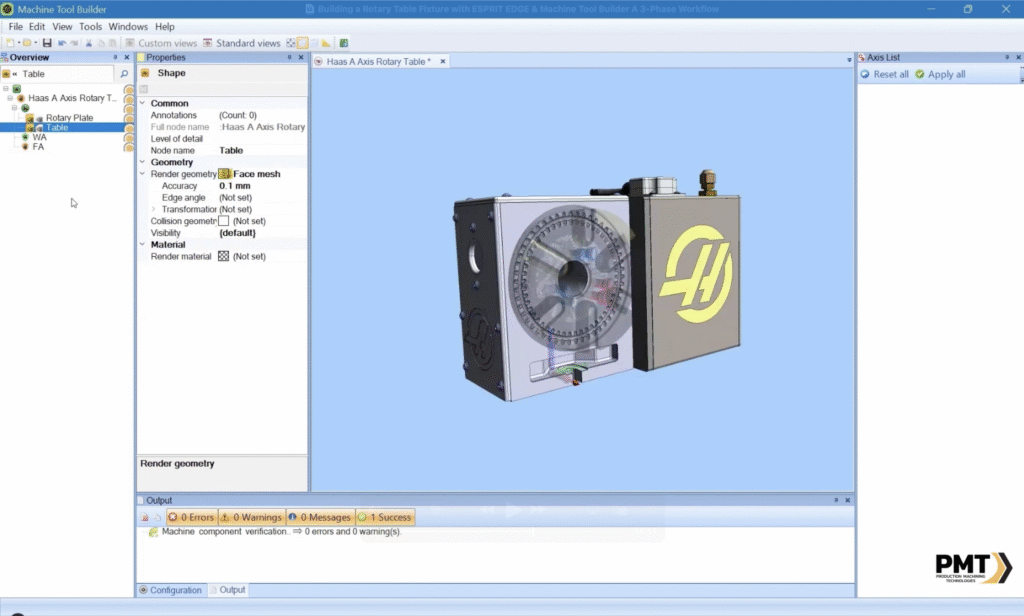
Building a Rotary Table Fixture with ESPRIT EDGE & Machine Tool Builder
Integrating a rotary table fixture into your machining setup can significantly expand your capabilities-especially when working with complex 4-axis or 5-axis parts. With ESPRIT EDGE and Machine Tool Builder, the process of defining, aligning, and testing a rotary table becomes efficient and repeatable. In this blog, we’ll walk through a 3-phase process to create a…
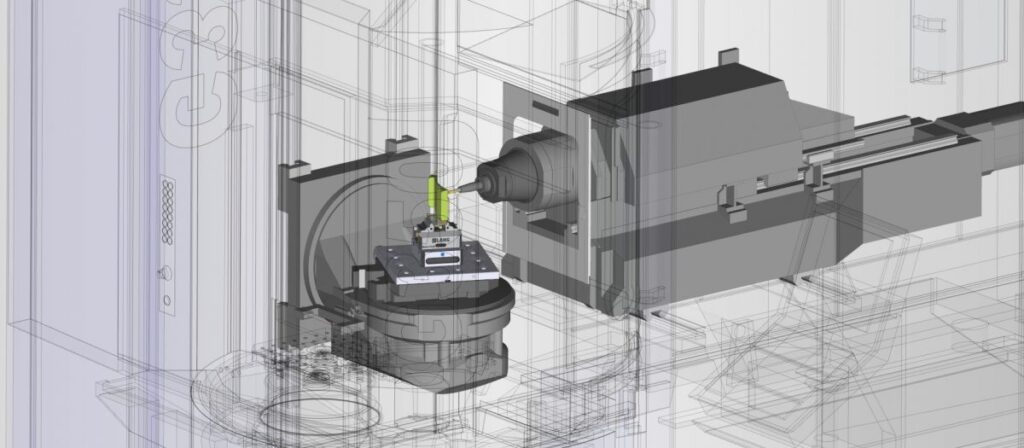
A Desirable Collision
We’ve all been there, we set up our Freeform feature correctly, we dialed our tool in, we’ve even modeled in our exact tool holders. All just to have “Unreachable Profiles Error” show up on our screens after our first attempt at a 5 axis operation. Don’t let this discourage you!. There is a…
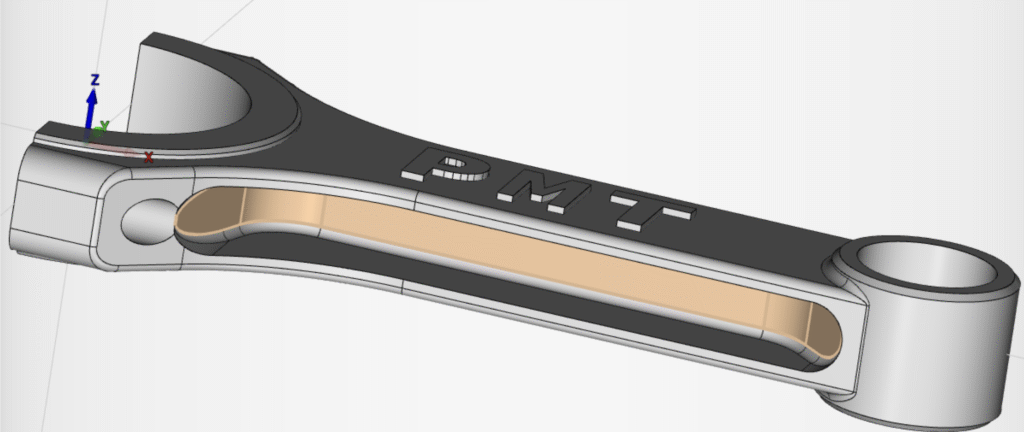
Simple Surface Creation using Knitted 4 Border Surface
Creating drive or projection surfaces can sometimes be intimidating if you aren’t familiar with the knitted surface functions. Knitted 4 Border Surfaces is a great tool that can be used in a multitude of scenarios even when there are partially looped surfaces involved. In this scenario, we would need a continuous drive surface for us…
Understanding Cutter Compensation and Offset Register Value in ESPRIT EDGE
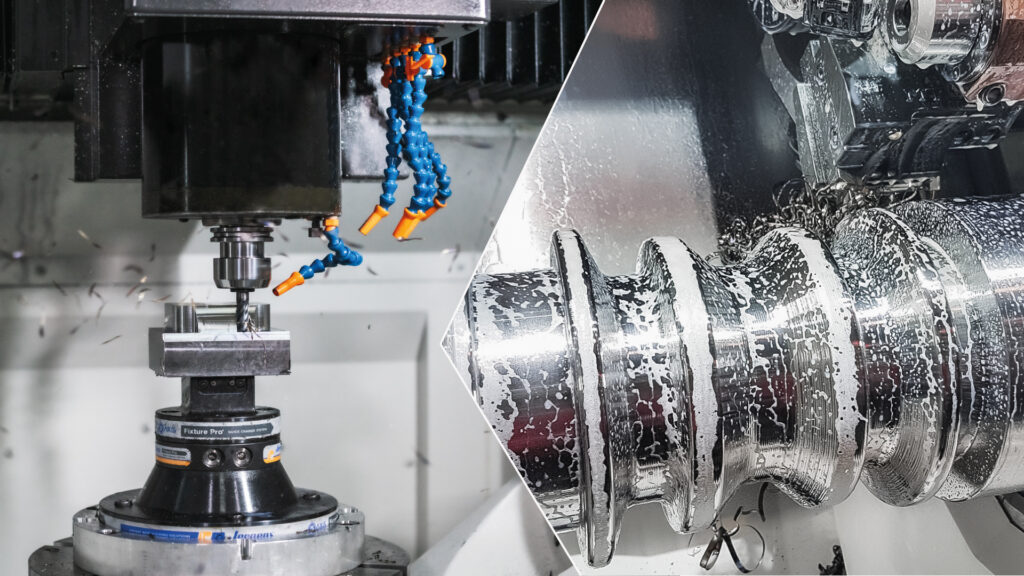
Cutter compensation is one of the most critical-and occasionally misunderstood-features in CNC programming. In ESPRIT Edge, understanding how offset values influence both simulation and machine behavior is essential for accurate toolpath validation and production-ready G-code. This post focuses on a specific issue many users encounter: a simulation where the tool appears to drill directly into…

How to Add an Indexable Holder to a Turret in ESPRIT EDGE 2025
In modern CNC programming, accuracy begins long before the first chip falls. It starts with proper digital setup-especially for complex tool assemblies like indexable holders. ESPRIT Edge 2025 offers a streamlined way to simulate these assemblies, ensuring fidelity between your CAM environment and shop floor reality. This guide walks you through the process of adding…
Setting Up a Rotary Table in ESPRIT: A Step-by-Step Guide
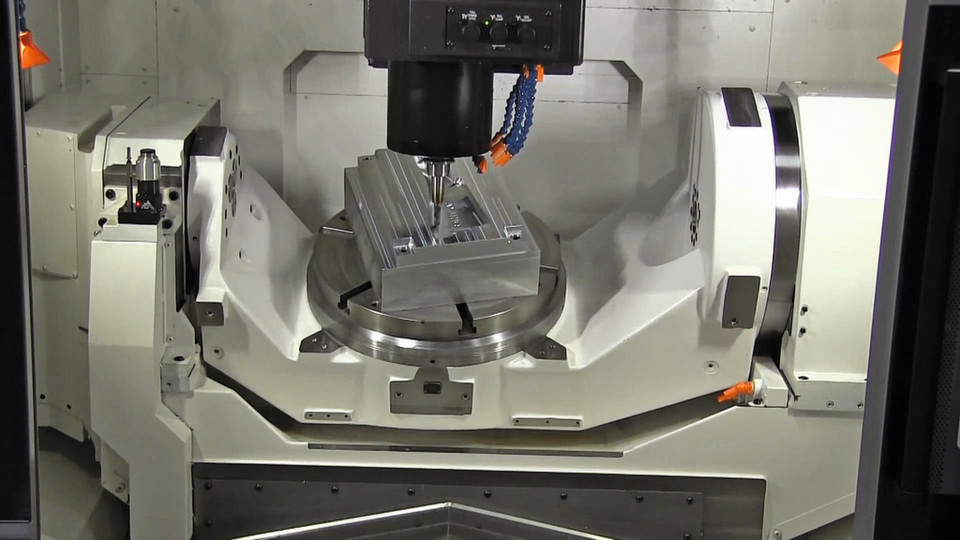
Working with 5-axis parts in ESPRIT? If your machine setup includes a rotary table, replicating that configuration in your virtual environment is essential for accurate simulation and reliable toolpaths. Here’s a quick guide to help you set it up correctly in ESPRIT. Step 1: Launch ESPRIT with a New File Open ESPRIT and start fresh.How:…

ESPRIT EDGE 2025.2 – Smarter Programming, New Capabilities
The upcoming release of ESPRIT EDGE 2025.2 brings powerful updates aimed at streamlining workflows and expanding programming capabilities. This version will introduce support for Swiss machines and launch ProPlanAI, a new machine learning-driven tool for automated process planning. It also includes a range of enhancements, bug fixes, and user experience improvements. Stay tuned for the…

Thinking About an ESPRIT Server License? Here’s What You Need to Know
If your shop is growing and more people need to access ESPRIT, you’ve probably heard about server licenses (also called network licenses). They’re a great option for sharing access across a team, but they come with a few things to consider before making the switch. What’s a Server License? A server license lets multiple users…
SkillBuilders ESPRIT EDGE “Impeller Programming FreeForm 5-Axis”
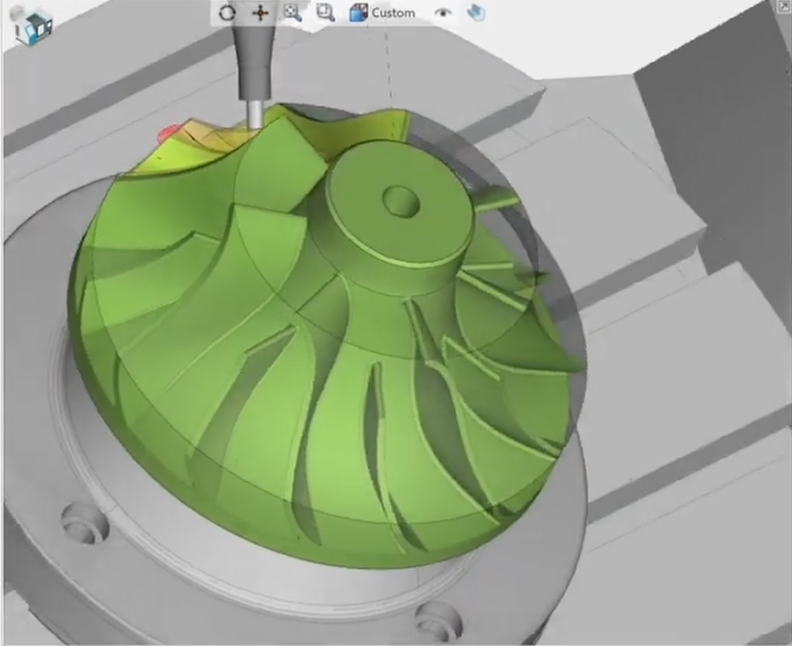
New to ESPRIT EDGE FreeForm 5-Axis? Summary of the Video New to ESPRIT EDGE FreeForm?! Discover how and why to build powerful FreeForm features that take your machining to the next level Learn with PMT the secrets behind stock automation and when to use it for maximum efficiency. Plus, master building operations while understanding essential…
- « Previous
- 1
- 2
- 3
- Next »