
Transitioning between workholding setups within the same EDGE file.
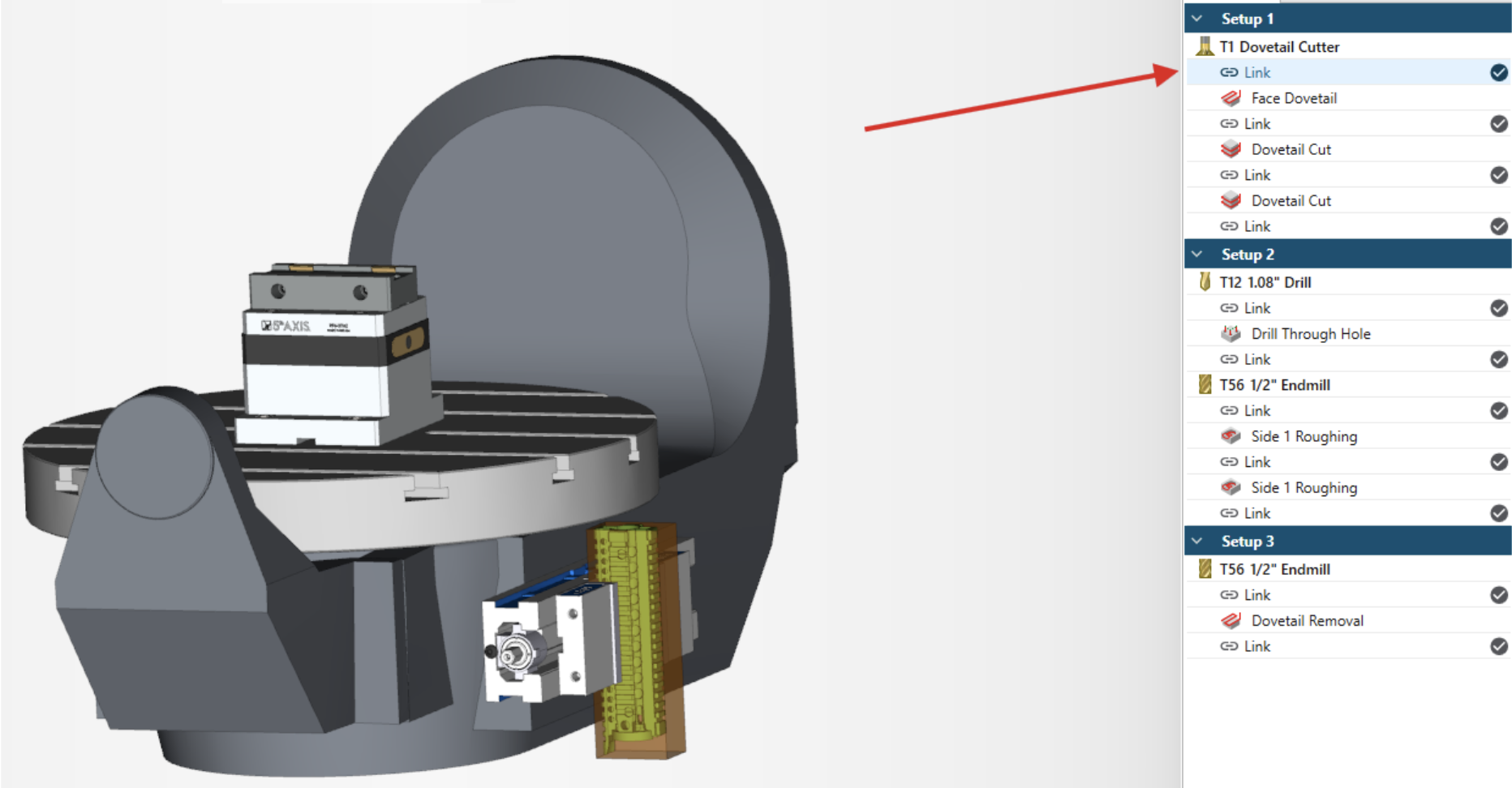
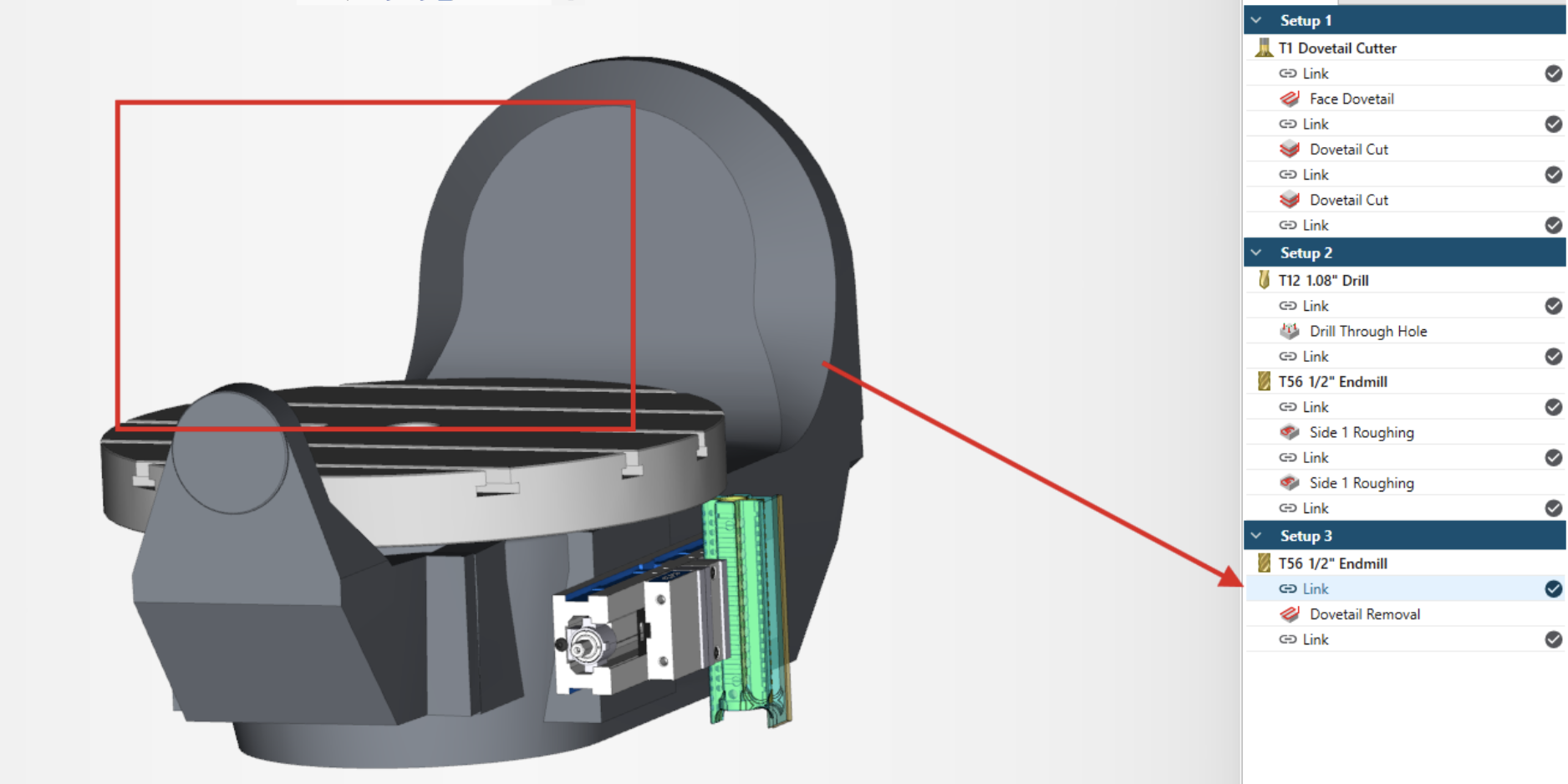
Traditionally, when setting up a new job that will run on a single machine, but with multiple fixtures, it would be a daunting task to navigate the work holding and stock transition from setup to setup. ESPRIT EDGE not only has the ability to transition a part from one fixture to the next, it can do it within the same file while still managing stock automation with perfection.
Utilizing the Add Setup command, you can transition a single part from fixture to fixture seamlessly. Stock automation will generate a new workpiece at each setup change and will continue to update the stock as your program.
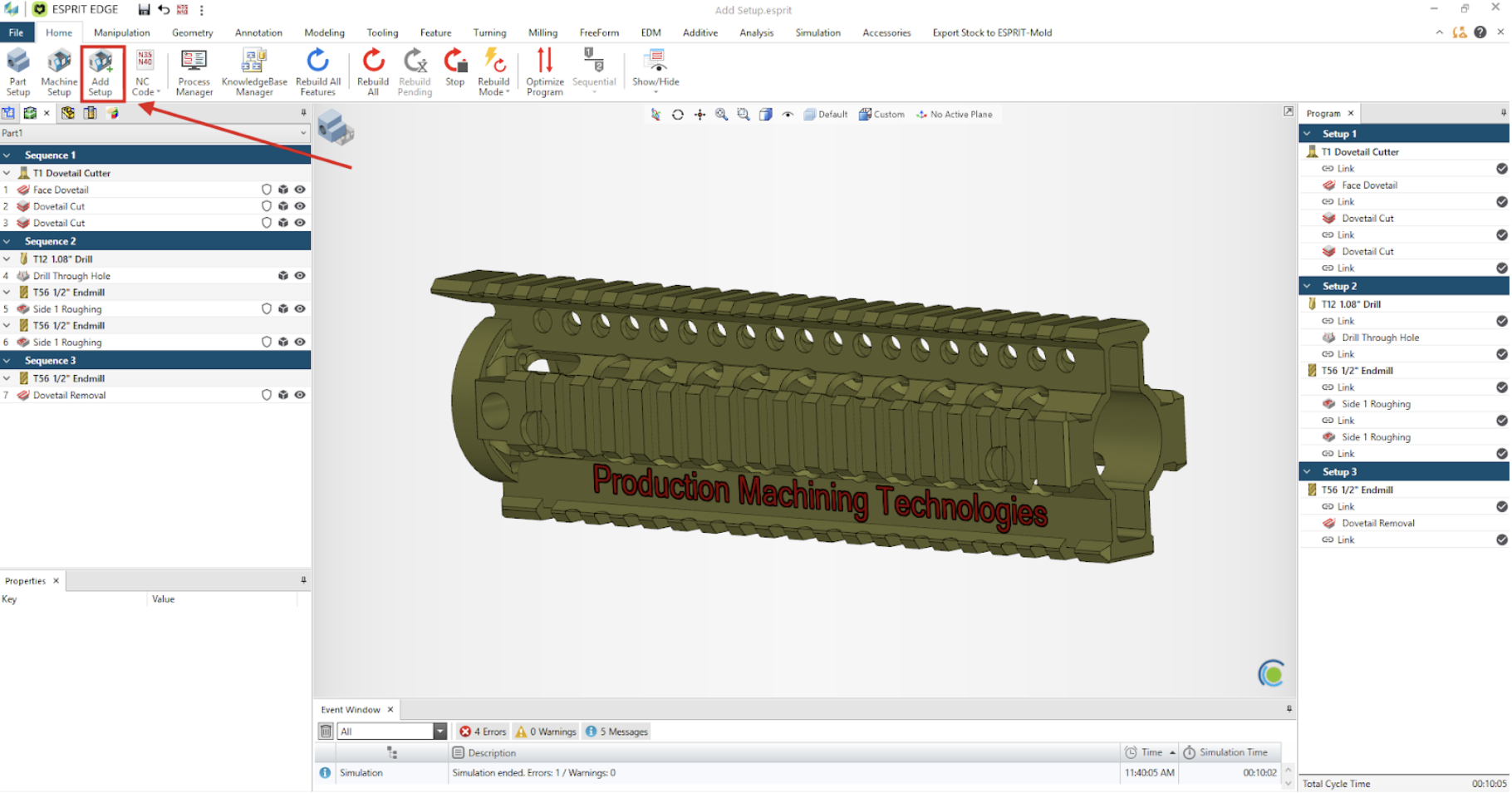
Edge will create program breakpoints to contain the operations that will run at each setup
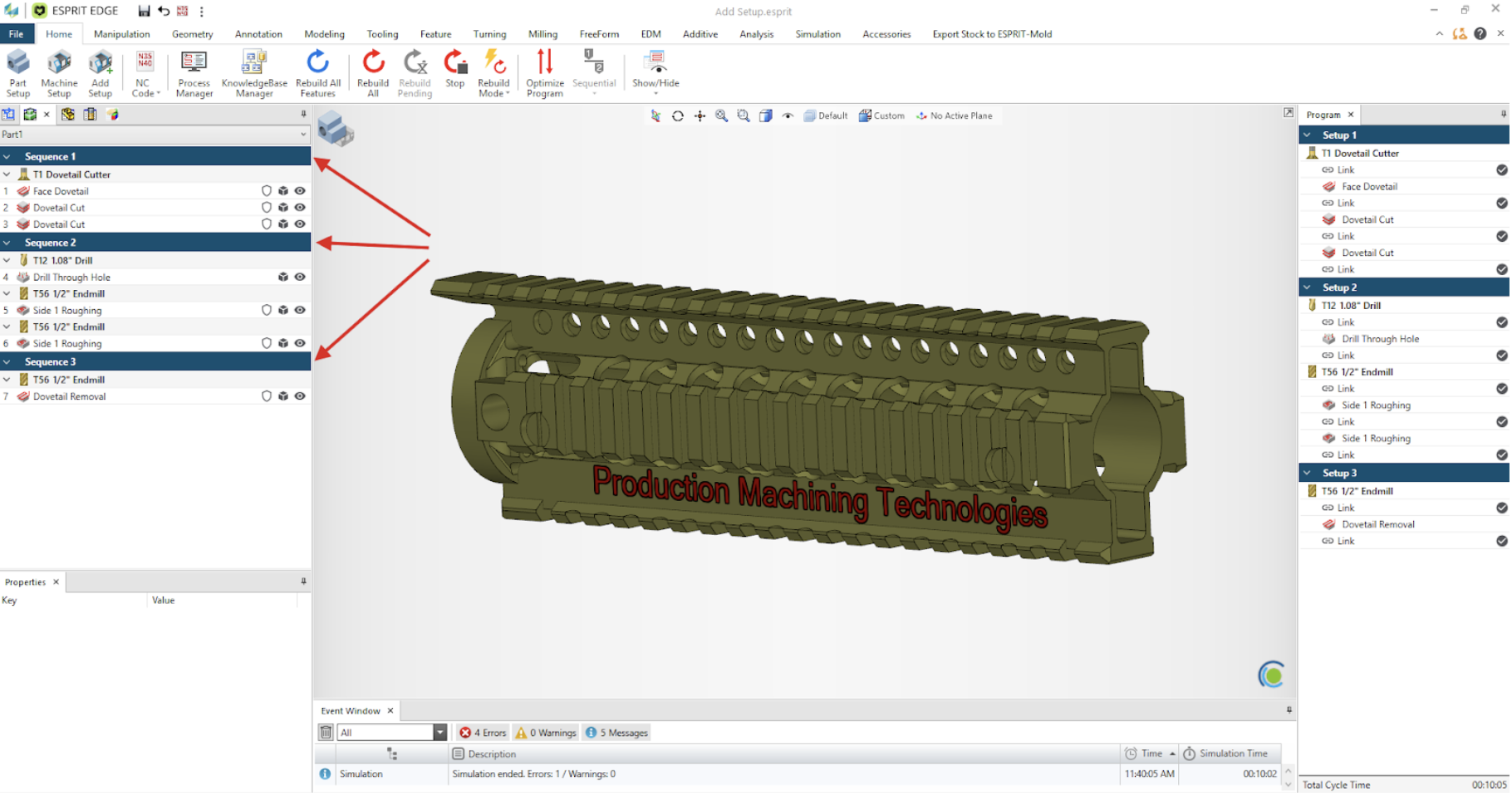
Operations can seamlessly be moved from setup to setup if and when optimization is needed.
The Add Setup command will also allow you to remove fixture items between setups if necessary.
Add Setup can also be used for Lathes to utilize the Part Flip function. If you would like to see more on this topic, please reach out and let us know.
To learn more on how and when to use Add Setup, You can visit our Youtube channel where this corresponding video along with a library other of content is available.